← Back to library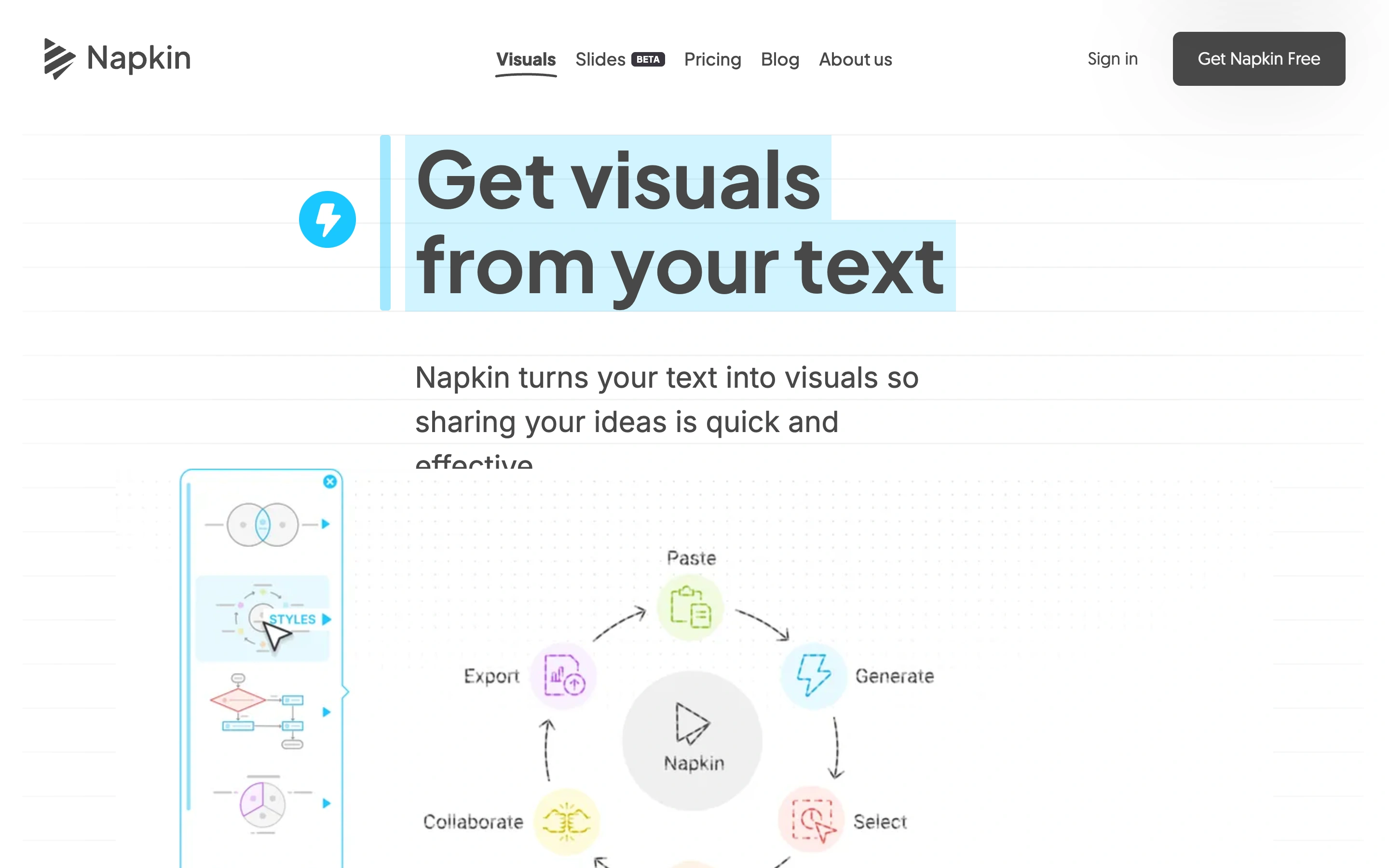
Viewport capture · opening screen Assembled in your browser. No API key or AI request needed. Changing the fields refreshes the preview.
Napkin AI
SaaS MarketingVisit sitenapkin.ai
A text-to-visuals homepage combines an editable-text visual treatment with diagram examples.
Why this pattern works
A text-to-visuals homepage combines an editable-text visual treatment with diagram examples.
Design notes
- Mood
- Light and practical.
- Colors
- White, charcoal and cyan selection highlights.
- Type
- Bold sans-serif headline with a visible text-selection motif.
- Layout
- A compact centered headline and introduction sit above diagrams and a narrow sample toolbar.
- Motion
- Static capture of one viewport. Visit the source to study motion and interaction.
- Texture
- Hand-drawn-looking diagrams and small colored symbols.
- Don't
- Adapt the structure to your own content and brand; use your own identity, copy and imagery.
Make it your own
Turn this reference into a useful brief for your project. Copy it into the AI tool you already use.