
START HERE · Roundups
100 Celebrity Websites: 12 Design Ideas Worth Studying
Explore 100 English-language celebrity websites, with 12 illustrated design breakdowns across music, film, sport, comedy, dance, and television.
Read the articleDesign breakdowns, practical guides, and fewer “make it pop” prompts.
Explore 100 English-language celebrity websites, with 12 illustrated design breakdowns across music, film, sport, comedy, dance, and television.
Read the article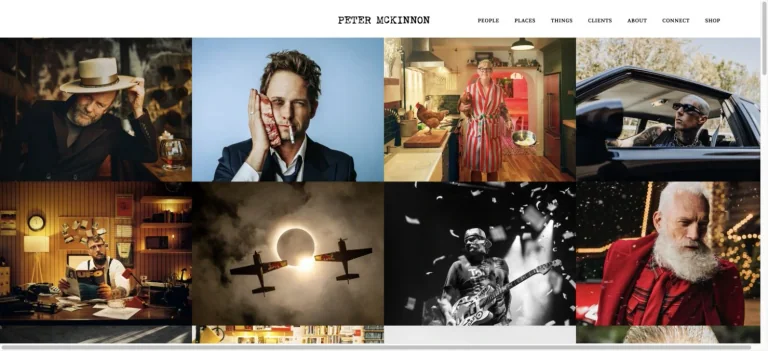 Roundups
Explore 100 English-language creator websites, with 10 illustrated breakdowns of portfolios, newsletters, recipe libraries, educational brands, and stores.
 Roundups
Study Clay, Airtable, AdAnt, Aardvark, and Dennis Snellenberg: five different ways to make a website distinctive, with specific lessons to adapt.
 Roundups
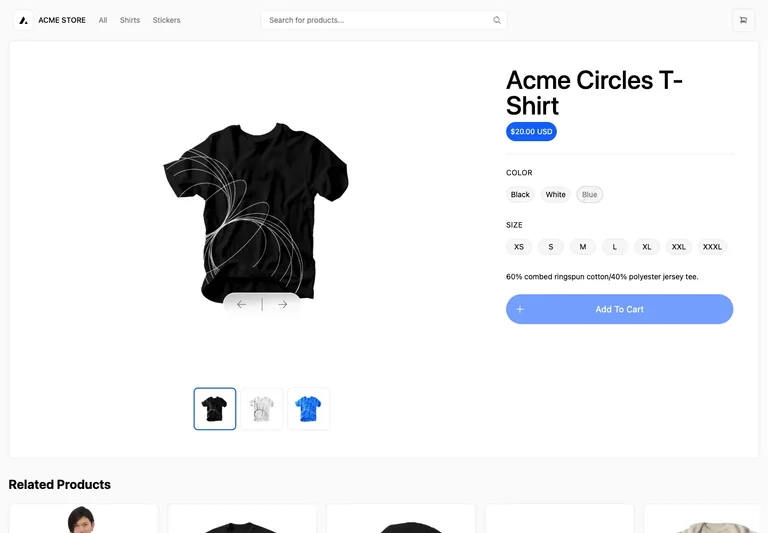
Study product grids and detail pages from Next.js Commerce and Medusa, with practical lessons for imagery, variants, comparison, and purchase controls.
 Roundups
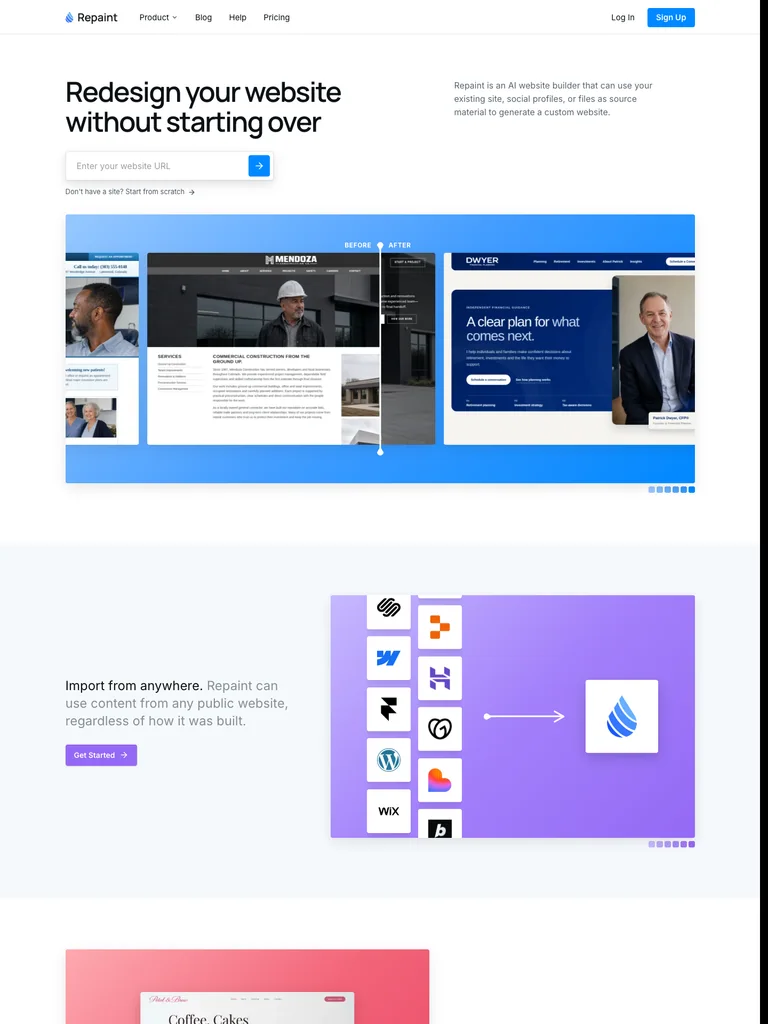
Compare Sivi, Notify.domains, and Repaint to design a useful opening around a prompt, a domain, or an existing website URL.
 Roundups
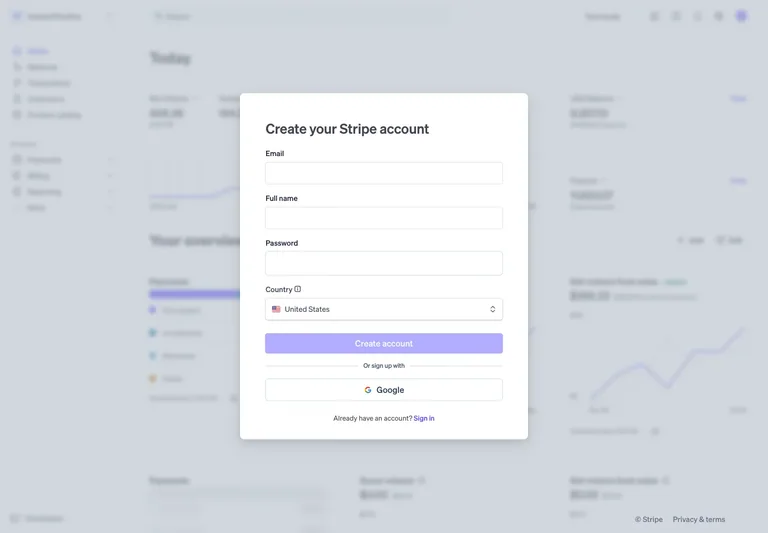
Compare Notion, Resend, and Stripe captures for sign-in hierarchy, provider choices, registration context, and the states an authentication flow needs.
 Roundups
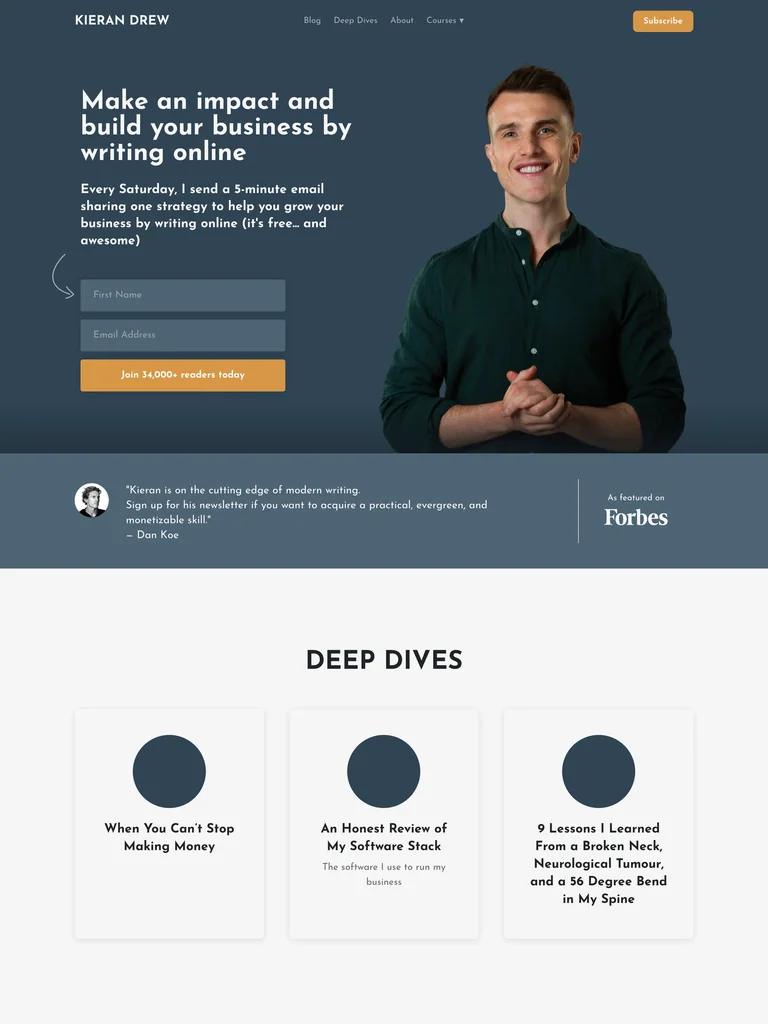
Study Justin Welsh, Kieran Drew, and David Perell for newsletter positioning, sample content, and a subscription form that fits the publication.
 Roundups
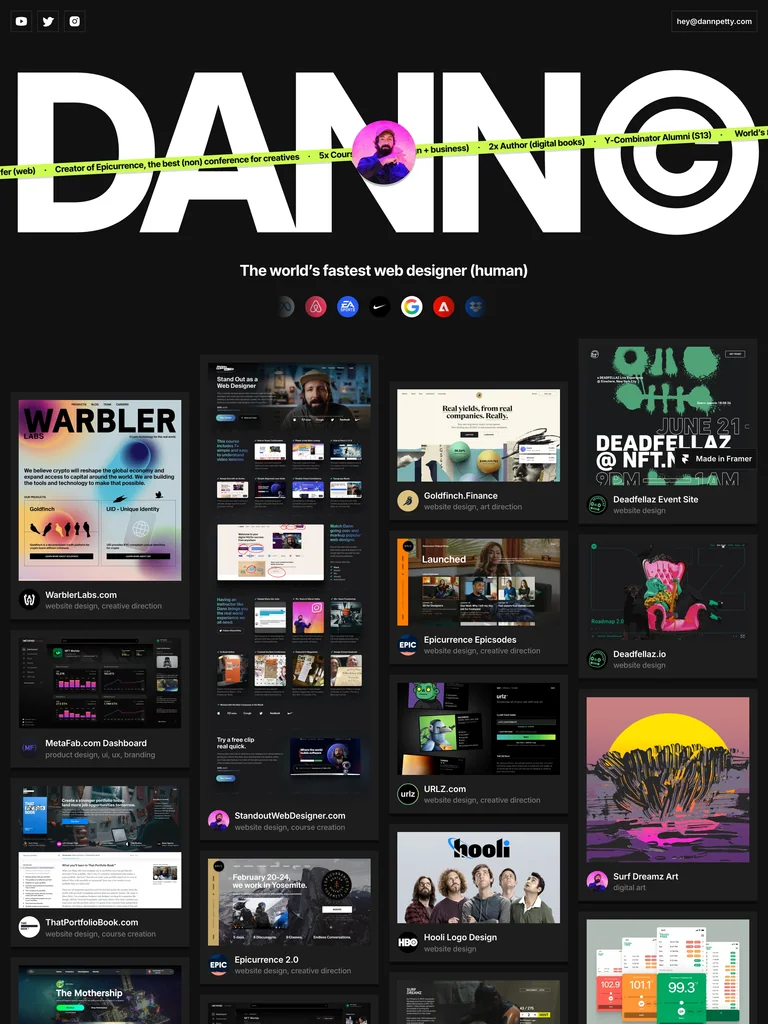
Compare Brittany Chiang, Dann Petty, and Jessica Hische to choose a portfolio structure for experience, visual range, or detailed creative work.
 Roundups
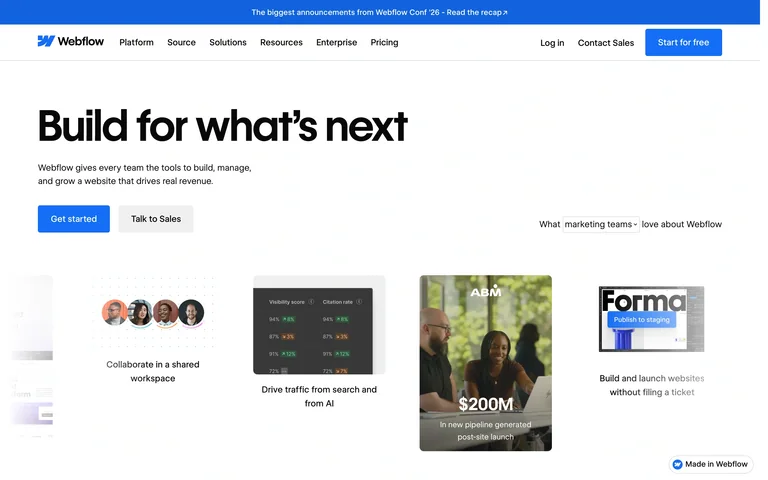
Study Webflow, Airtable, and RightFont to choose between an output gallery, a workflow preview, and a focused interface image for your SaaS homepage.
 Roundups
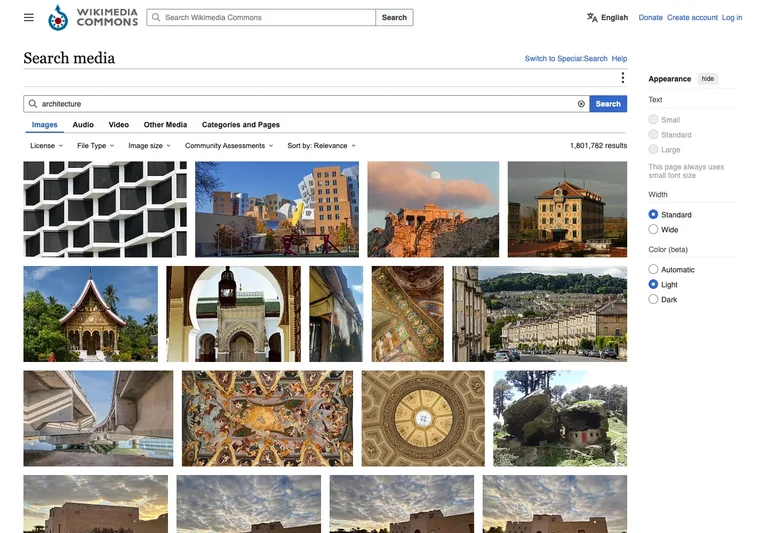
Compare Open Library, Tabler job listings, and Wikimedia Commons to design result metadata, filters, and recovery from an over-narrow search.
 Roundups
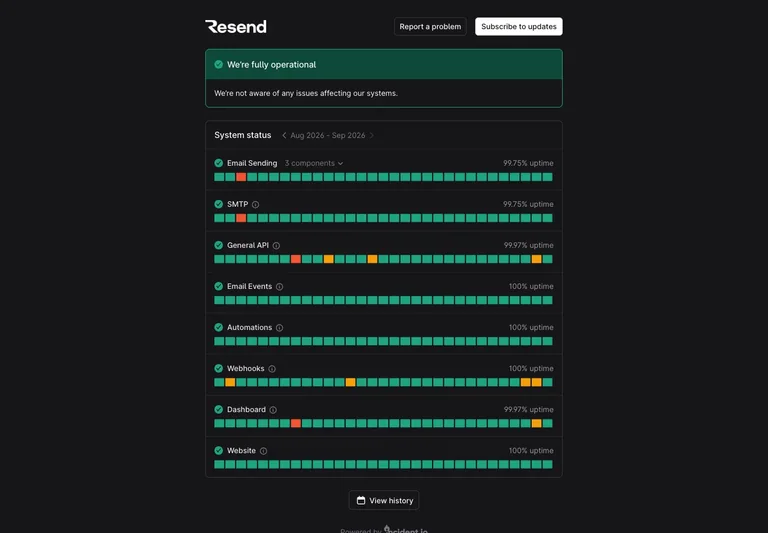
Study Resend, Linear, and Tabler captures for service summaries, component history, incident context, and the difference between current state and past data.
 Roundups
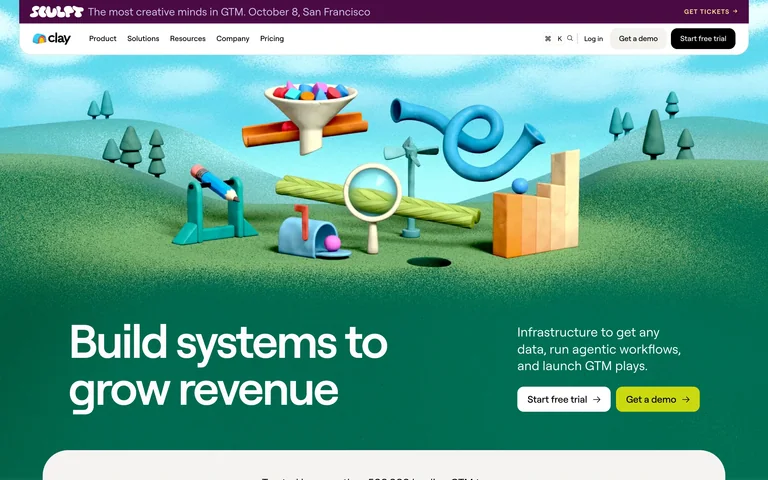
Compare Clay, Shopify, and Skala to choose hero imagery that explains a product, connects it to real work, or establishes a distinctive setting.
 Roundups
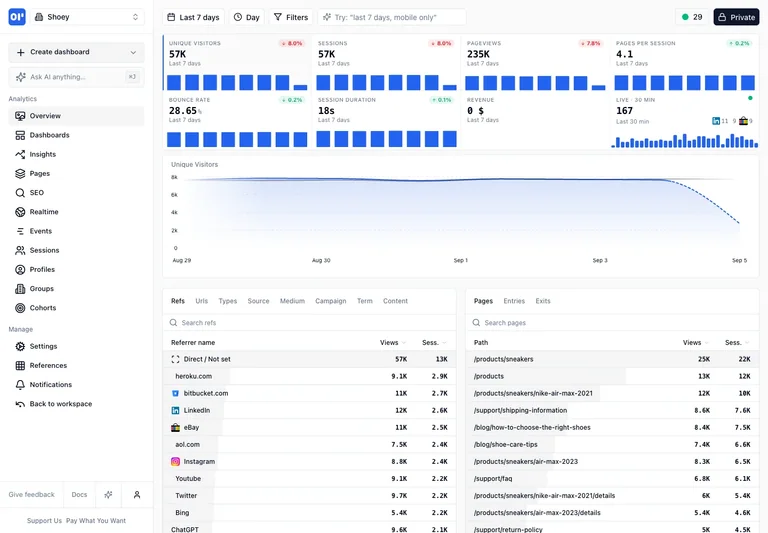
Compare OpenPanel, Tabler, FullCalendar, and ChartDB to choose an app layout around the task: monitoring, moving work, scheduling, or mapping relationships.
 Roundups
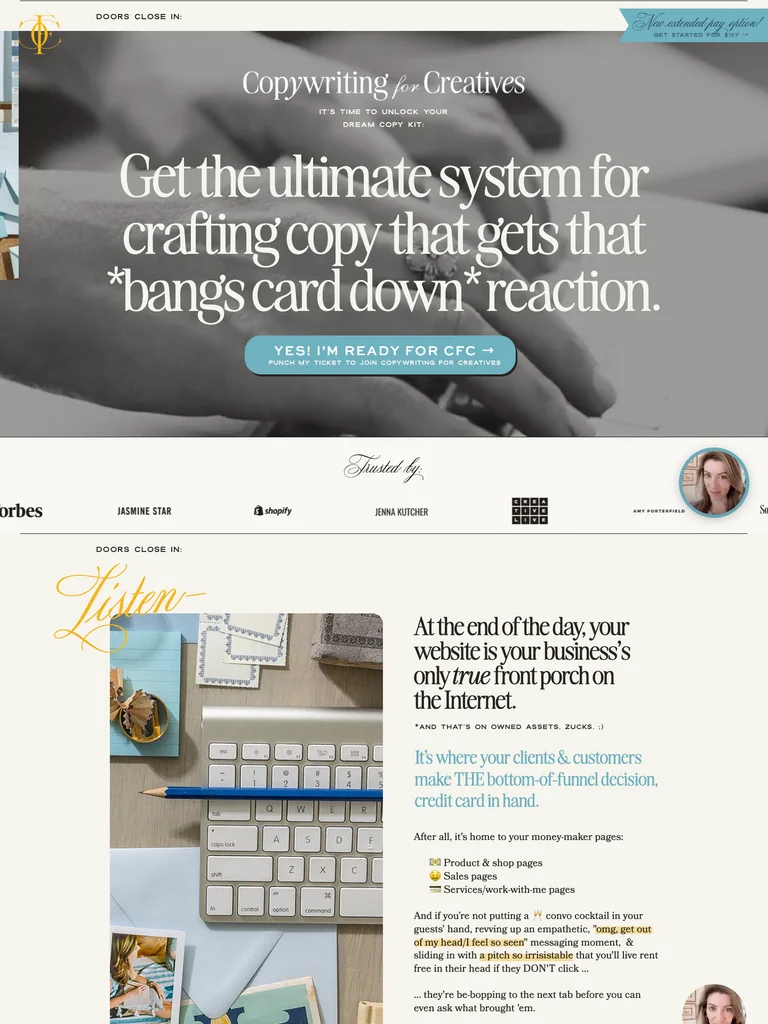
Explore four course sales pages for offer structure, curriculum, product previews, and proof placement. Learn what to adapt without inventing results.
 Guides
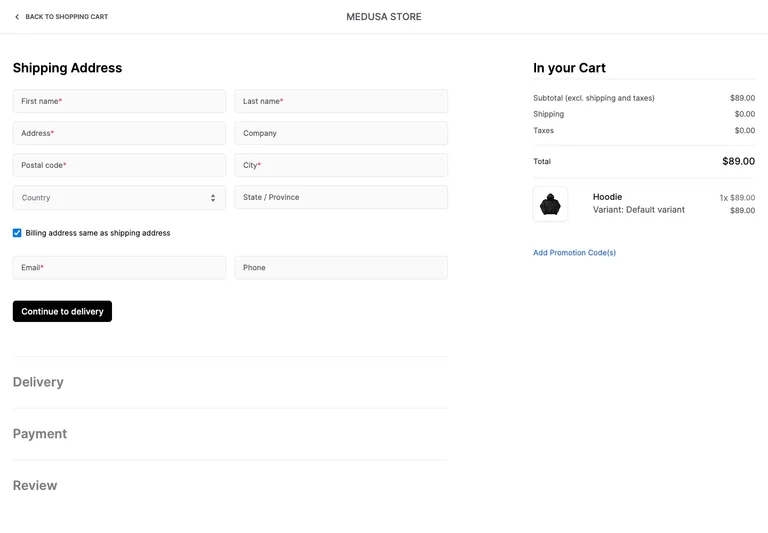
Study Medusa cart and address captures to connect product choices, quantity editing, order summaries, checkout steps, and useful form feedback.
 Guides
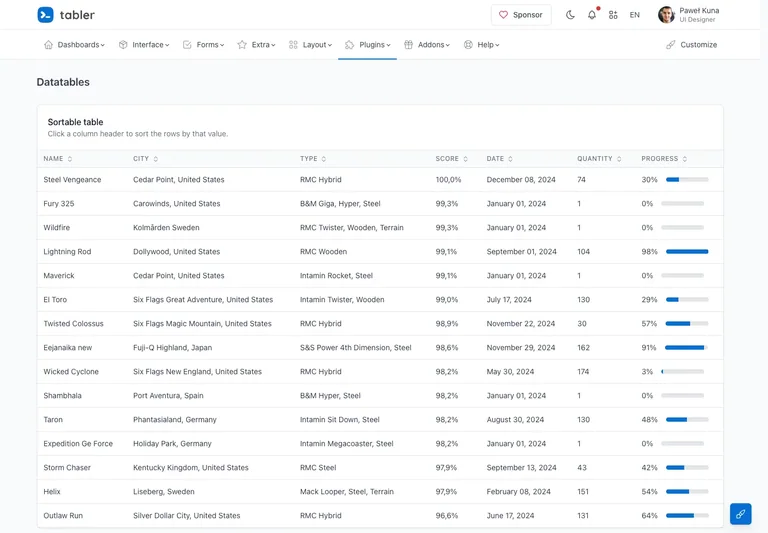
Use Tabler table, task-list, and log references to choose useful columns, distinguish actions, support long content, and plan narrow-screen behavior.
 Case studies
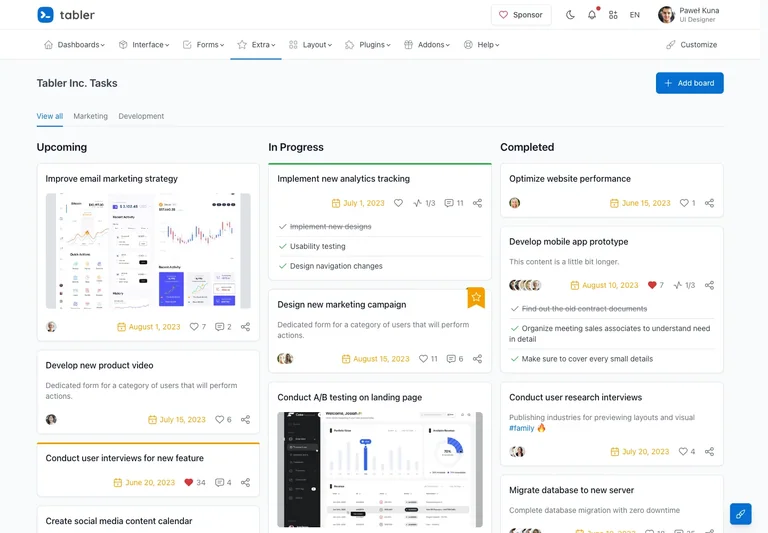
A Swipefile product case study on reviewing references, saving decisions, undo, and keeping the destination board visible. Includes earlier and current interface captures.
 Guides
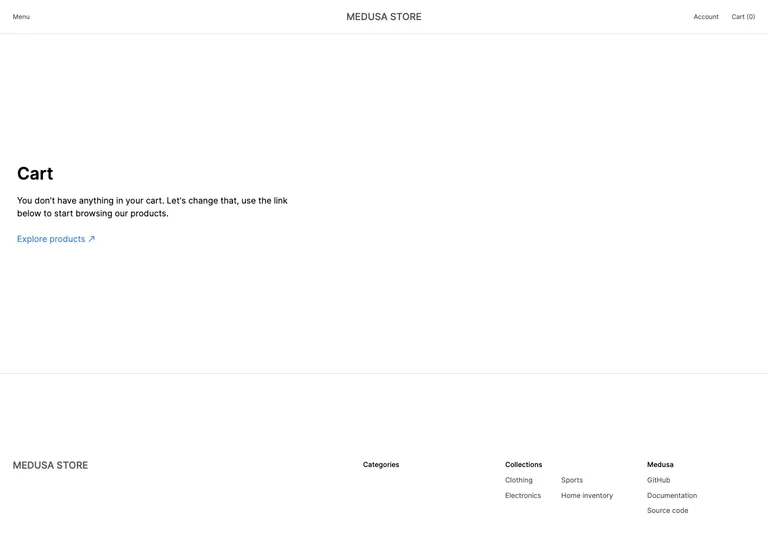
Use empty-cart references to distinguish first use, no results, loading, failure, and success, with practical guidance for recovery and status feedback.
 Case studies
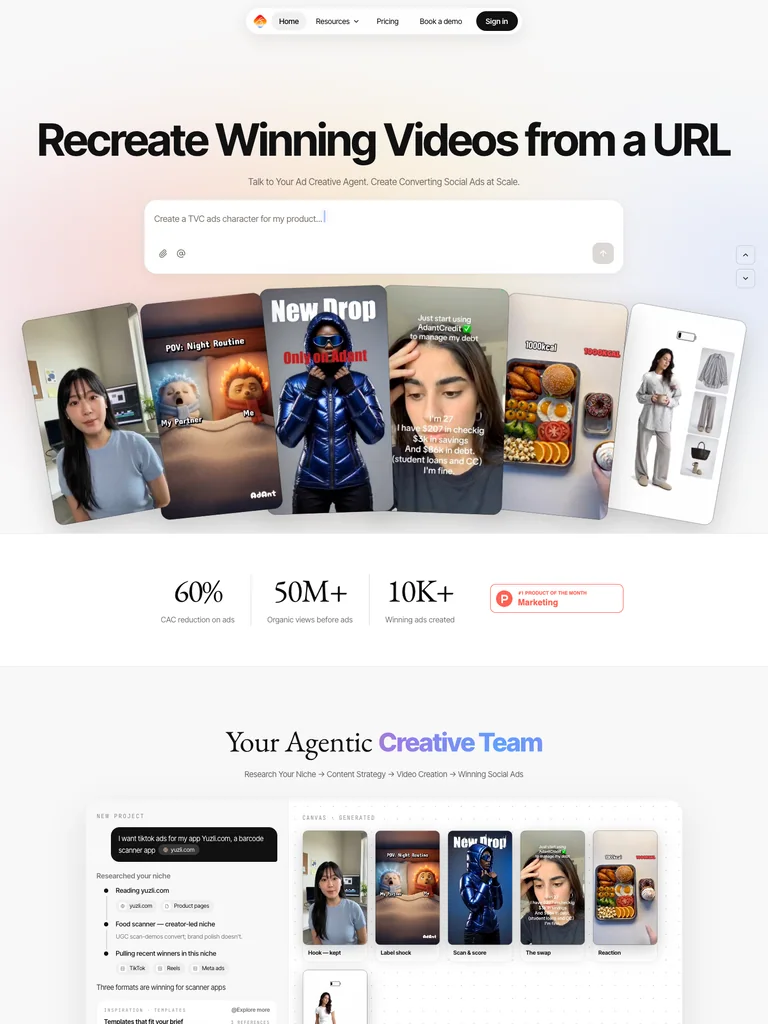
How Swipefile adapted a reference-led hero: a wide headline, real design previews, and clear browse and swipe actions. Includes earlier and current screenshots.
 Guides
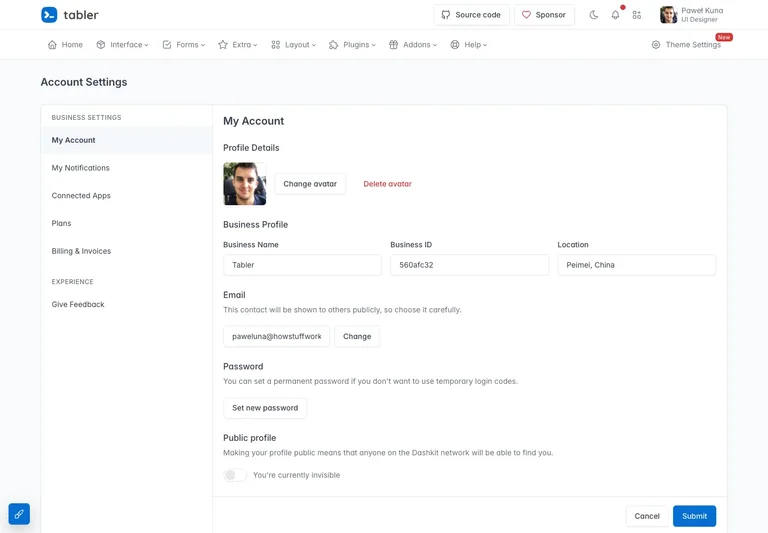
Use Tabler settings references to organize account sections, explain save behavior, separate personal and workspace settings, and handle plan changes clearly.
 Guides
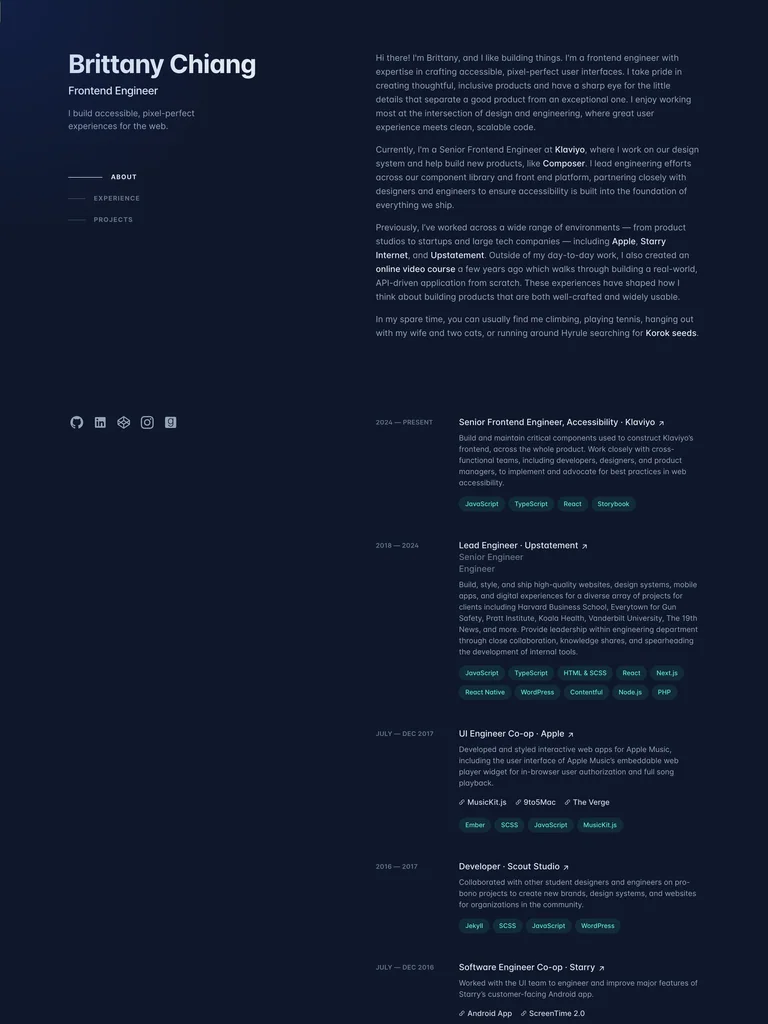
Turn vague design feedback into a focused review: compare hierarchy, evidence, density, actions, and responsive behavior against a small reference set.
GuidesBuild a focused reference board, explain what each example contributes, and hand a concrete design brief to your preferred AI coding or design tool.
 Case studies
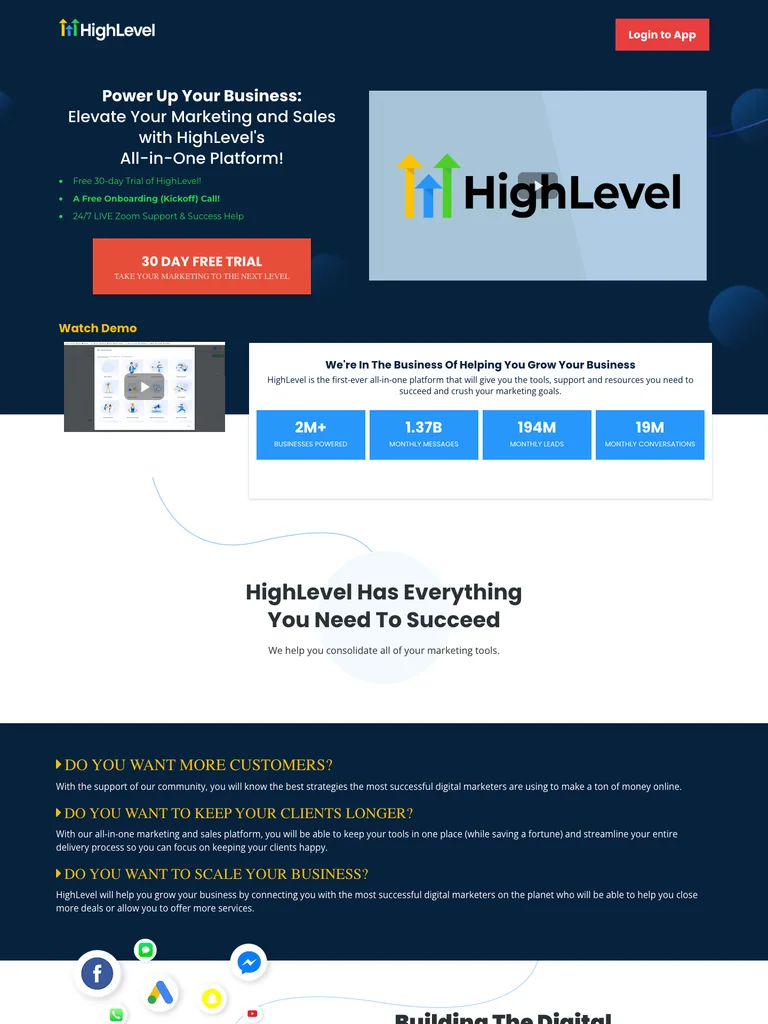
How Swipefile adds selection criteria, focused reference notes, and design questions to an existing collection without replacing its save-to-board workflow.
 Guides
Make an AI-built website easier to read with a clear type hierarchy, consistent spacing, real content, readable contrast, and responsive checks.
 Guides
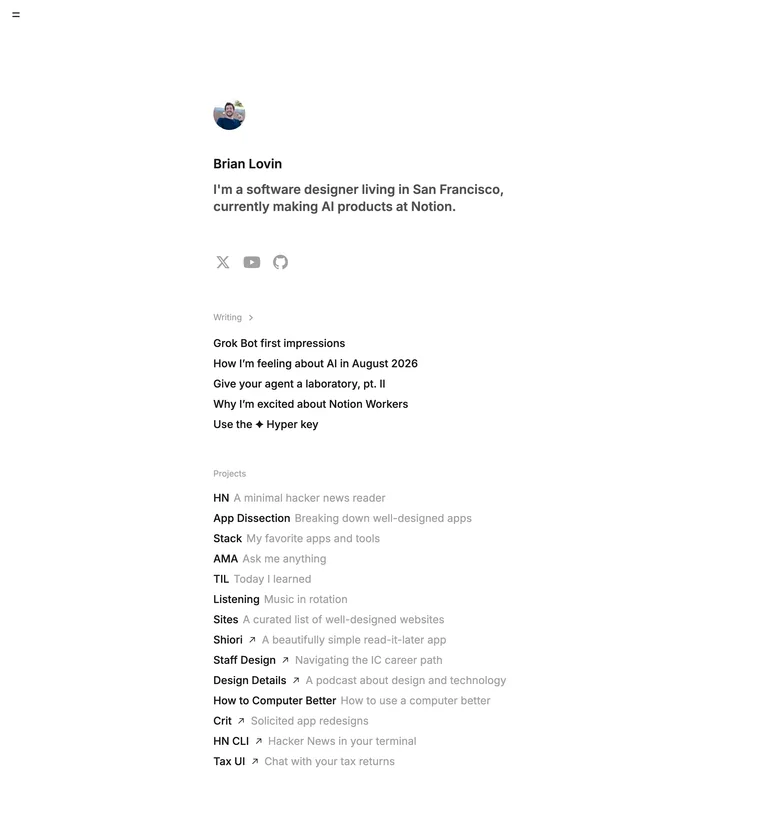
Learn how to separate global navigation, local sections, and actions using references from Brian Lovin, Tabler settings, and Next.js Commerce.
Allow basic usage counts to help us understand what is useful. Your board contents stay out of analytics. Details
Your browser’s privacy preference keeps analytics off.