← Back to library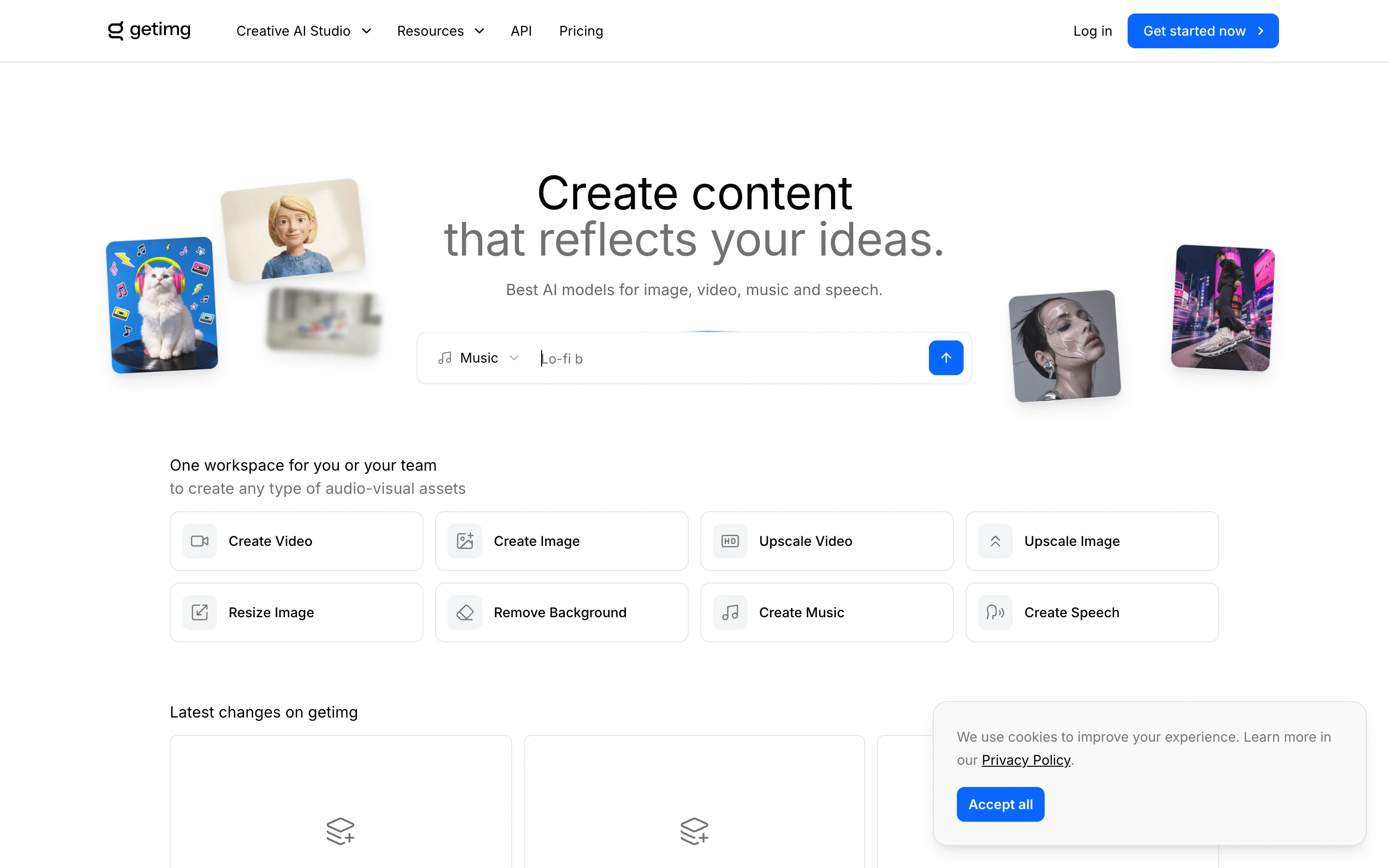
Viewport capture · opening screen Assembled in your browser. No API key or AI request needed. Changing the fields refreshes the preview.
getimg.ai — Tool launcher
Creative ToolsSee it livegetimg.ai
A public creative-tool launcher groups image and video actions beneath a light illustrated introduction.
Why this pattern works
Organize a multi-tool product around clear actions users can recognize.
Design notes
- Surface
- A public creative-tool launcher groups image and video actions beneath a light illustrated introduction.
- Navigation
- Compact tool navigation and account action.
- Layout
- Centered introduction followed by a grid of labeled creation tools.
- Density
- Medium
- Color
- White, gray and blue
- Type
- Light headline and compact action labels.
- Pattern
- Organize a multi-tool product around clear actions users can recognize.
- States
- Public tool-selection entry page; no authenticated editor or generated result is shown. A compact privacy notice remains.
- Don't
- Adapt the layout to your own product and supported capabilities; write your own examples and keep important actions clearly labeled.
Make it your own
Turn this reference into a useful brief for your project. Copy it into the AI tool you already use.