← Back to library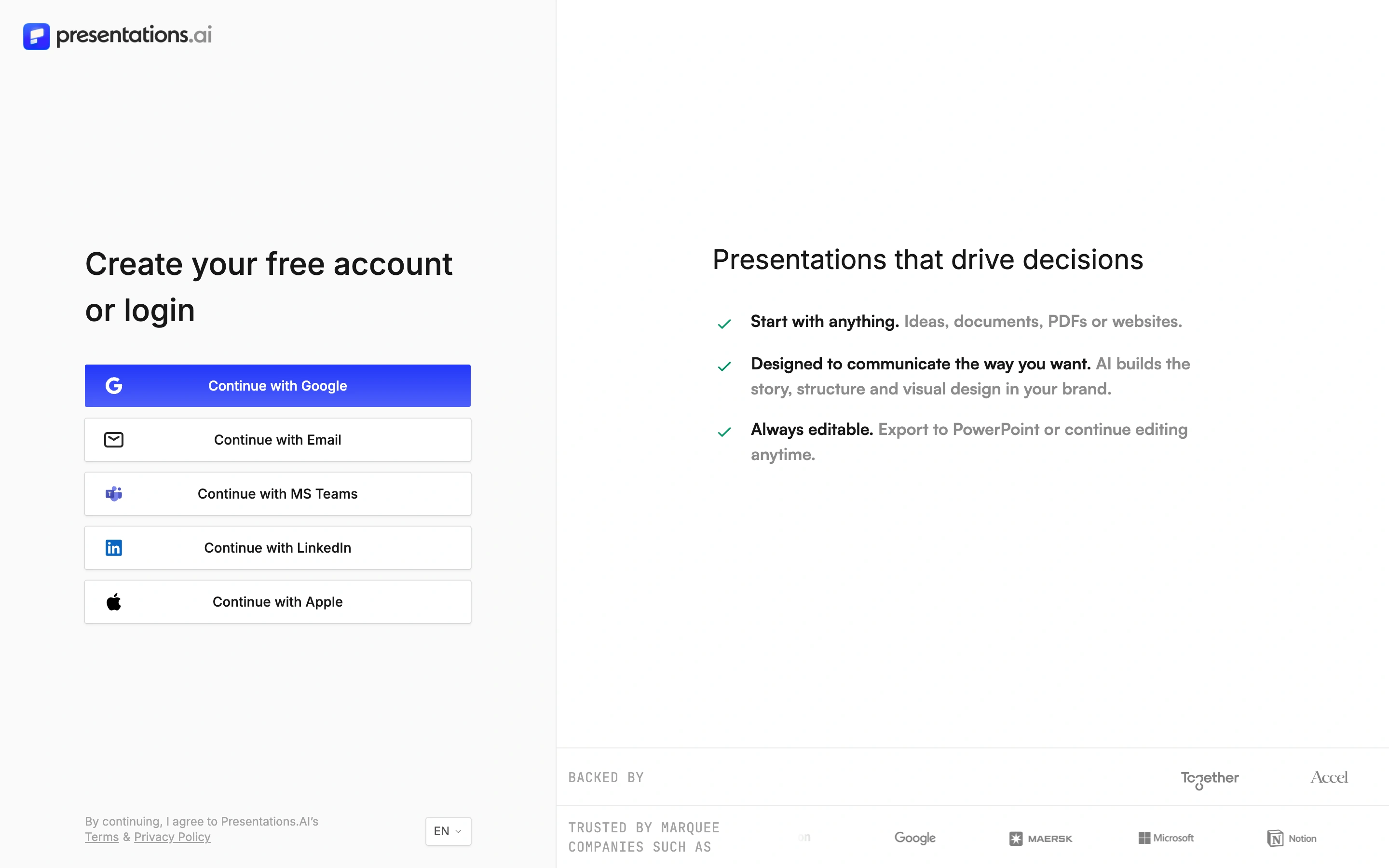
Viewport capture · opening screen Assembled in your browser. No API key or AI request needed. Changing the fields refreshes the preview.
Presentations.AI — Account entry
Forms & OnboardingSee it liveapp.presentations.ai
A stack of provider sign-in buttons is paired with a short list of presentation benefits.
Why this pattern works
Keep the required account step concise while explaining the product through the surrounding composition.
Design notes
- Surface
- A stack of provider sign-in buttons is paired with a short list of presentation benefits.
- Navigation
- Product identity and account-entry controls.
- Layout
- Two open columns separated by whitespace rather than heavy borders.
- Density
- Low-medium
- Color
- White, black and blue
- Type
- Compact field labels and clear provider names.
- Pattern
- Keep the required account step concise while explaining the product through the surrounding composition.
- States
- Signed-out account entry only; no authenticated workspace is shown and no account was created.
- Don't
- Adapt the layout to your own product and supported capabilities; write your own examples and keep important actions clearly labeled.
Make it your own
Turn this reference into a useful brief for your project. Copy it into the AI tool you already use.