← Back to library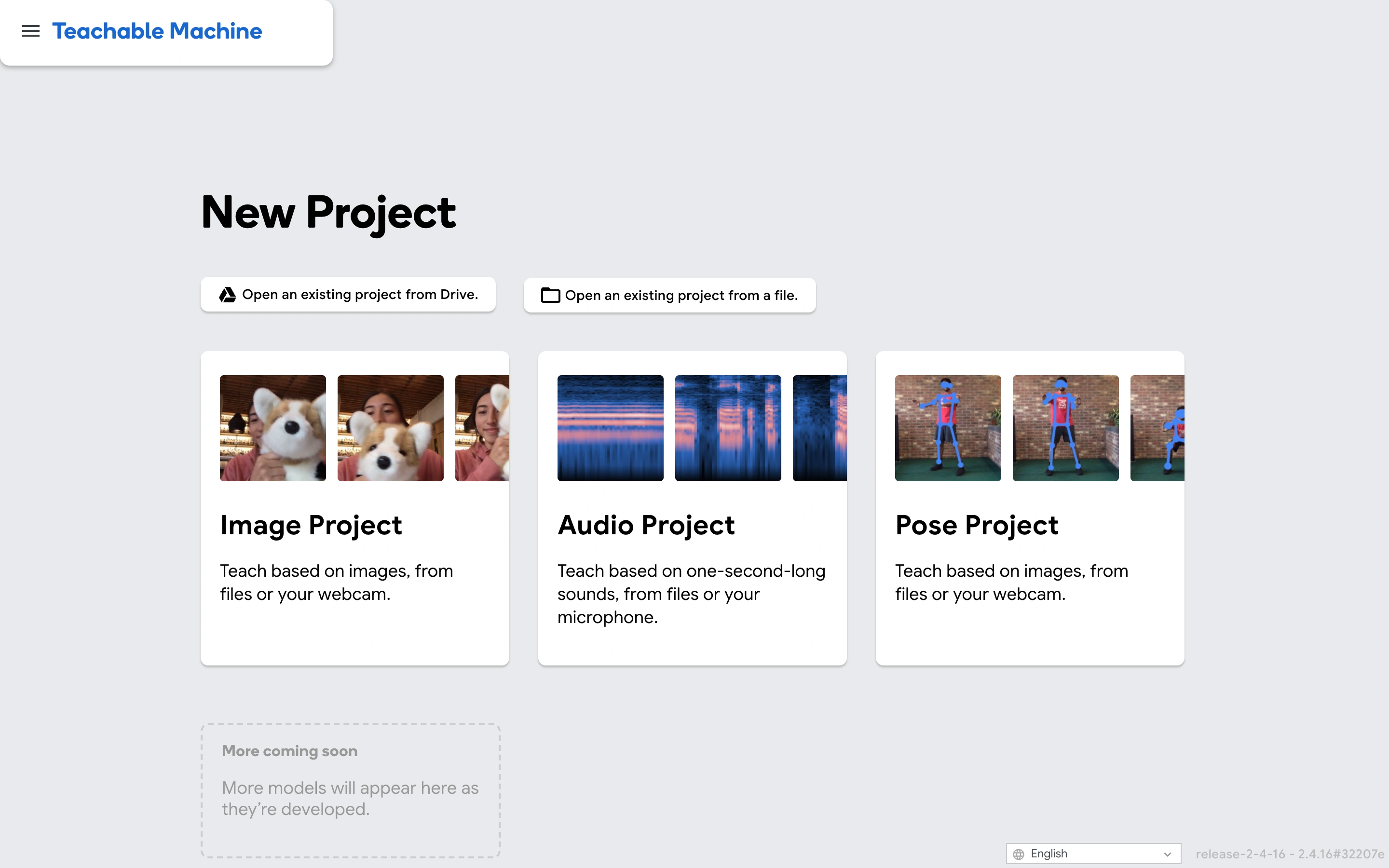
Viewport capture · opening screen Assembled in your browser. No API key or AI request needed. Changing the fields refreshes the preview.
Teachable Machine — Project chooser
Forms & OnboardingSee it liveteachablemachine.withgoogle.com
A machine-learning tool starts with a choice of image, audio or pose project.
Why this pattern works
Help users choose a workflow by input type, using concrete images and short explanations.
Design notes
- Surface
- A machine-learning tool starts with a choice of image, audio or pose project.
- Navigation
- A compact brand bar sits above the project chooser.
- Layout
- Three visual cards describe project types; existing-project options appear above them.
- Density
- Low density with one clear decision.
- Color
- Light grey canvas, white cards and blue accents.
- Type
- Bold section and card headings with short plain-language descriptions.
- Pattern
- Help users choose a workflow by input type, using concrete images and short explanations.
- States
- Initial project chooser; no camera, microphone or file access requested.
- Don't
- Adapt the layout to your own product and supported capabilities; write your own examples and keep important actions clearly labeled.
Make it your own
Turn this reference into a useful brief for your project. Copy it into the AI tool you already use.