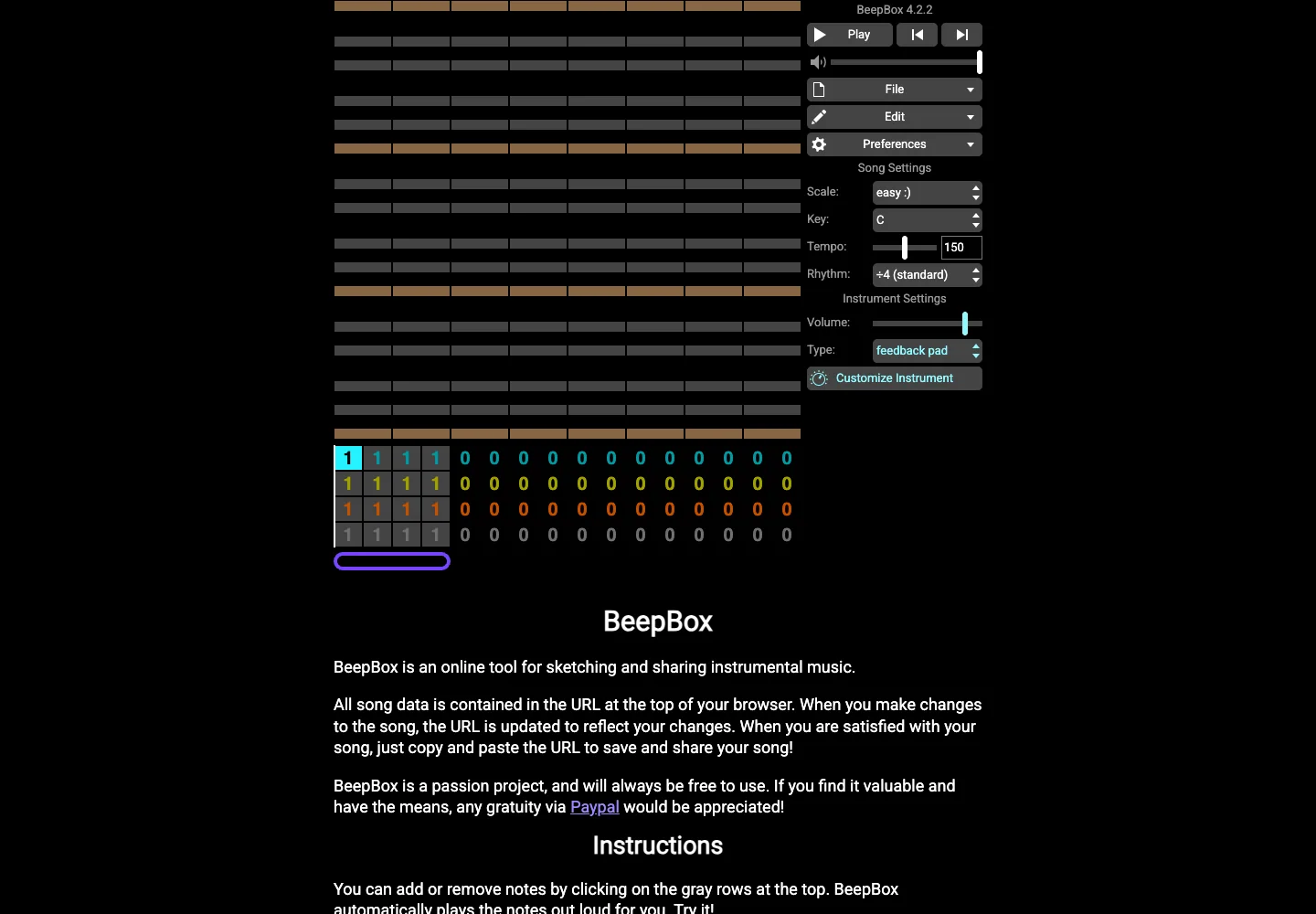
Align the current pattern with the larger arrangement so users can move between detail and sequence.
Design notes
Surface
Music sequencer
Navigation
Pattern and instrument choices remain adjacent to the grid they modify.
Layout
The note grid sits above numbered pattern rows, with transport and song settings in a right column.
Density
The working preview takes most of the space, with compact controls grouped around it.
Color
Dark editing surfaces with contrasting colored pattern cells and pale transport controls.
Type
Use repeated cells and stable row alignment to make timing and pattern structure legible.
Pattern
Align the current pattern with the larger arrangement so users can move between detail and sequence.
States
The initial public song workspace; no song was published or audio started.
Don't
Adapt the interaction pattern to your own product. Do not copy brand assets, sample identities, proprietary text, or assume unseen states. Specify keyboard behavior, loading, empty, error, and narrow-screen layouts for your implementation.
Make it your own
Turn this reference into a useful brief for your project. Copy it into the AI tool you already use.
Add constraintsPreview & edit promptAssembled in your browser. No API key or AI request needed. Changing the fields refreshes the preview.