← Back to library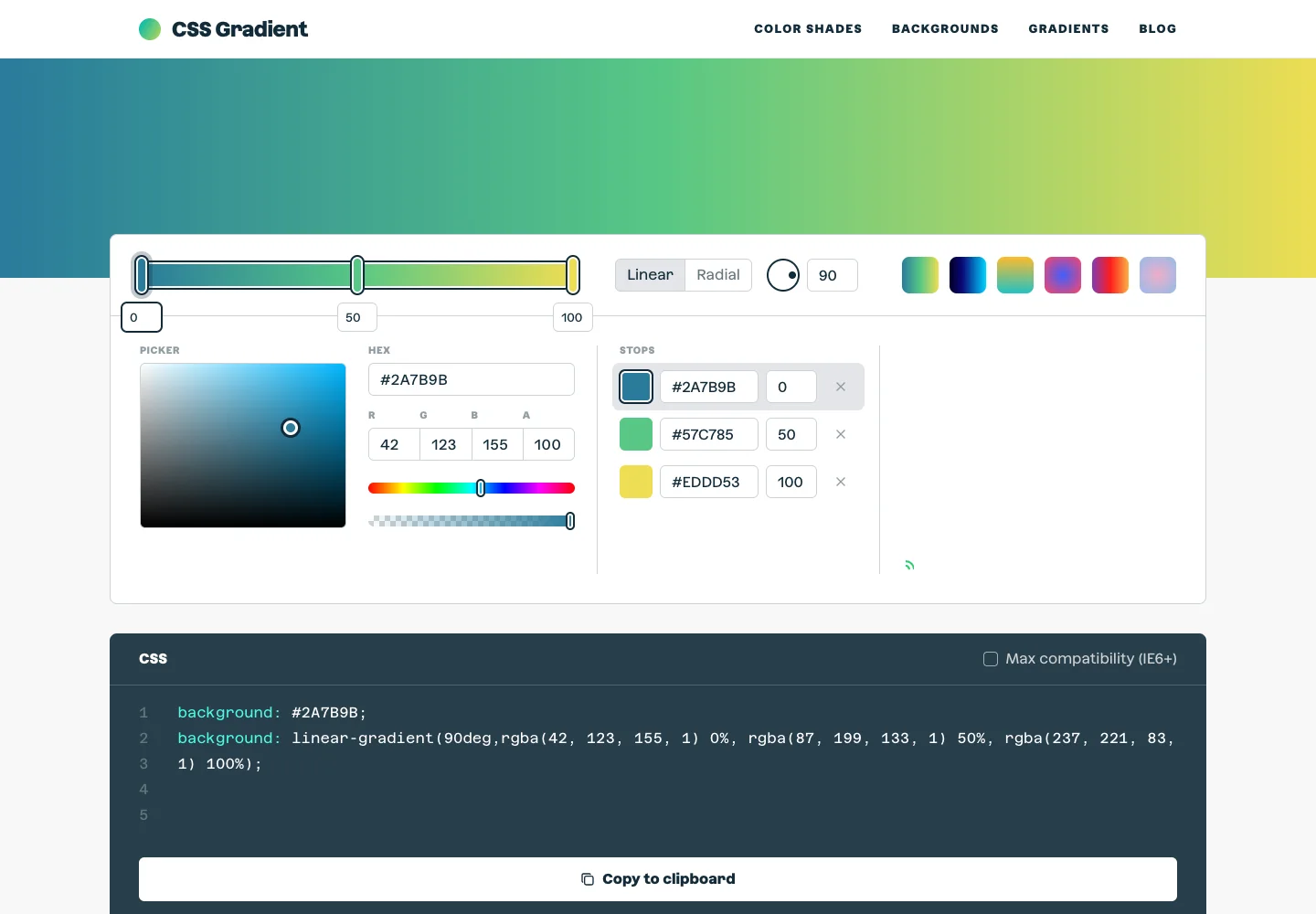
Page excerpt · scroll inside to explore Assembled in your browser. No API key or AI request needed. Changing the fields refreshes the preview.
CSS Gradient — Editor
Creative ToolsSee it livecssgradient.io
A gradient editor combines color controls, a large preview, and generated code.
Why this pattern works
Keep visual controls synchronized with an inspectable implementation output.
Design notes
- Surface
- Editor
- Navigation
- The editor controls stay together below the preview, separate from site navigation.
- Layout
- A large gradient preview sits above color-stop controls and generated CSS.
- Density
- Use consistent spacing within repeated information so headings, values, and secondary details remain easy to compare.
- Color
- A vivid multicolor gradient sits within white controls and a dark code panel.
- Type
- Use a clear type hierarchy for the page title, primary content, and supporting labels.
- Pattern
- Keep visual controls synchronized with an inspectable implementation output.
- States
- Default gradient with editable stops and corresponding CSS output.
- Don't
- Do not copy brand assets or sample records. Preserve keyboard access and design empty, loading, and error states for the actual task.
Make it your own
Turn this reference into a useful brief for your project. Copy it into the AI tool you already use.