← Back to library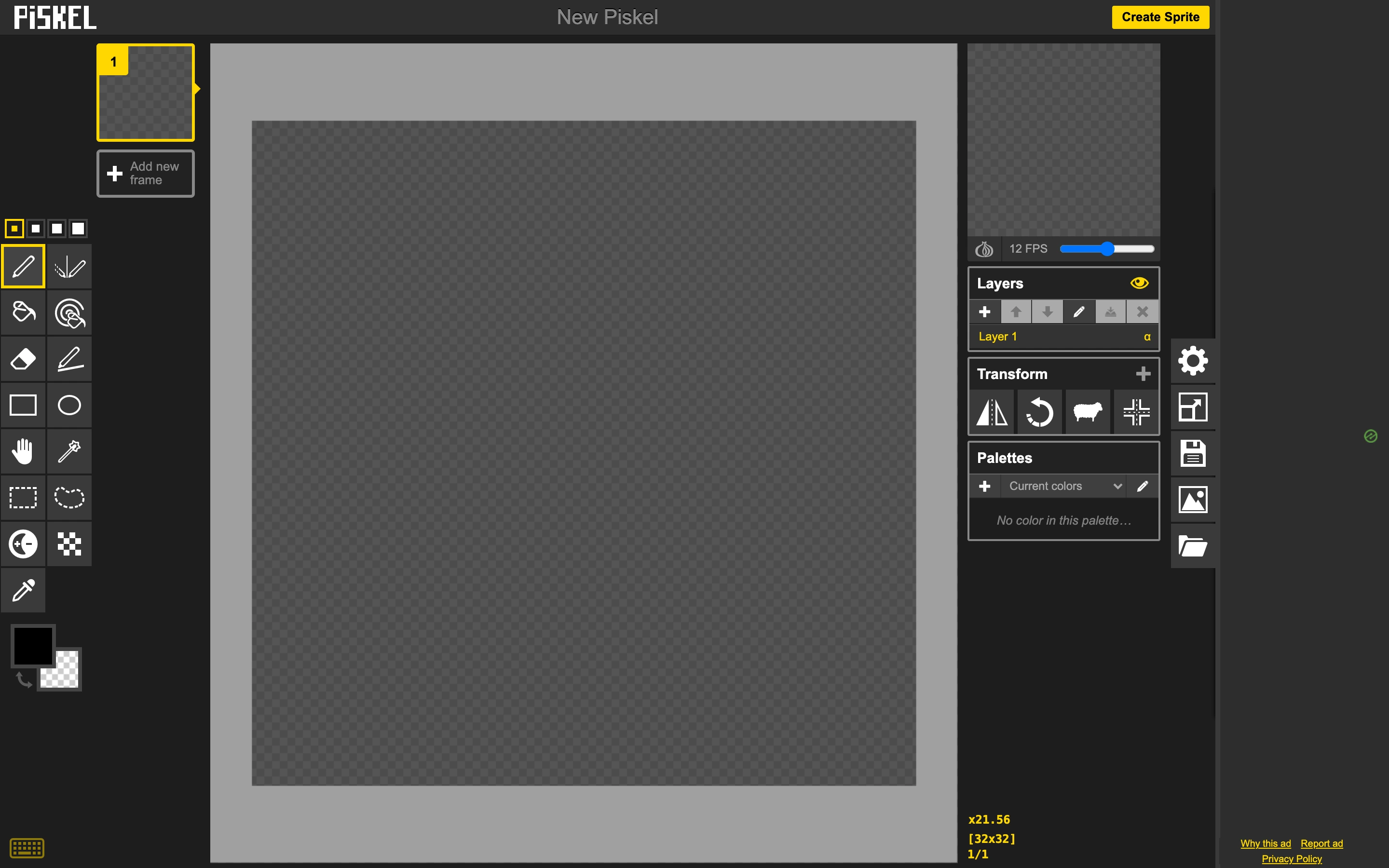
Viewport capture · opening screen Assembled in your browser. No API key or AI request needed. Changing the fields refreshes the preview.
Piskel — New sprite
Editors & ToolsSee it livepiskelapp.com
Frame controls, a drawing palette and layer options surround a checkerboard canvas, separating animation structure from pixel editing.
Why this pattern works
Frame controls, a drawing palette and layer options surround a checkerboard canvas, separating animation structure from pixel editing.
Design notes
- Surface
- Piskel — New sprite
- Navigation
- Vertical drawing tools beside a frame list; preview and layer controls at the right.
- Layout
- Central square pixel canvas with narrow supporting columns.
- Density
- High tool density with clearly separated functional regions.
- Color
- Dark gray panels, checkerboard transparency and yellow selection accents.
- Type
- Compact interface labels preserve room for the canvas.
- Pattern
- Show frames, canvas and layers simultaneously so the animation structure remains visible while editing.
- States
- New empty sprite; playback, export and layer changes were not tested.
- Don't
- Adapt the interaction structure to your users. A screenshot does not establish keyboard behavior, loading states or the success of subsequent actions.
Make it your own
Turn this reference into a useful brief for your project. Copy it into the AI tool you already use.