← Back to library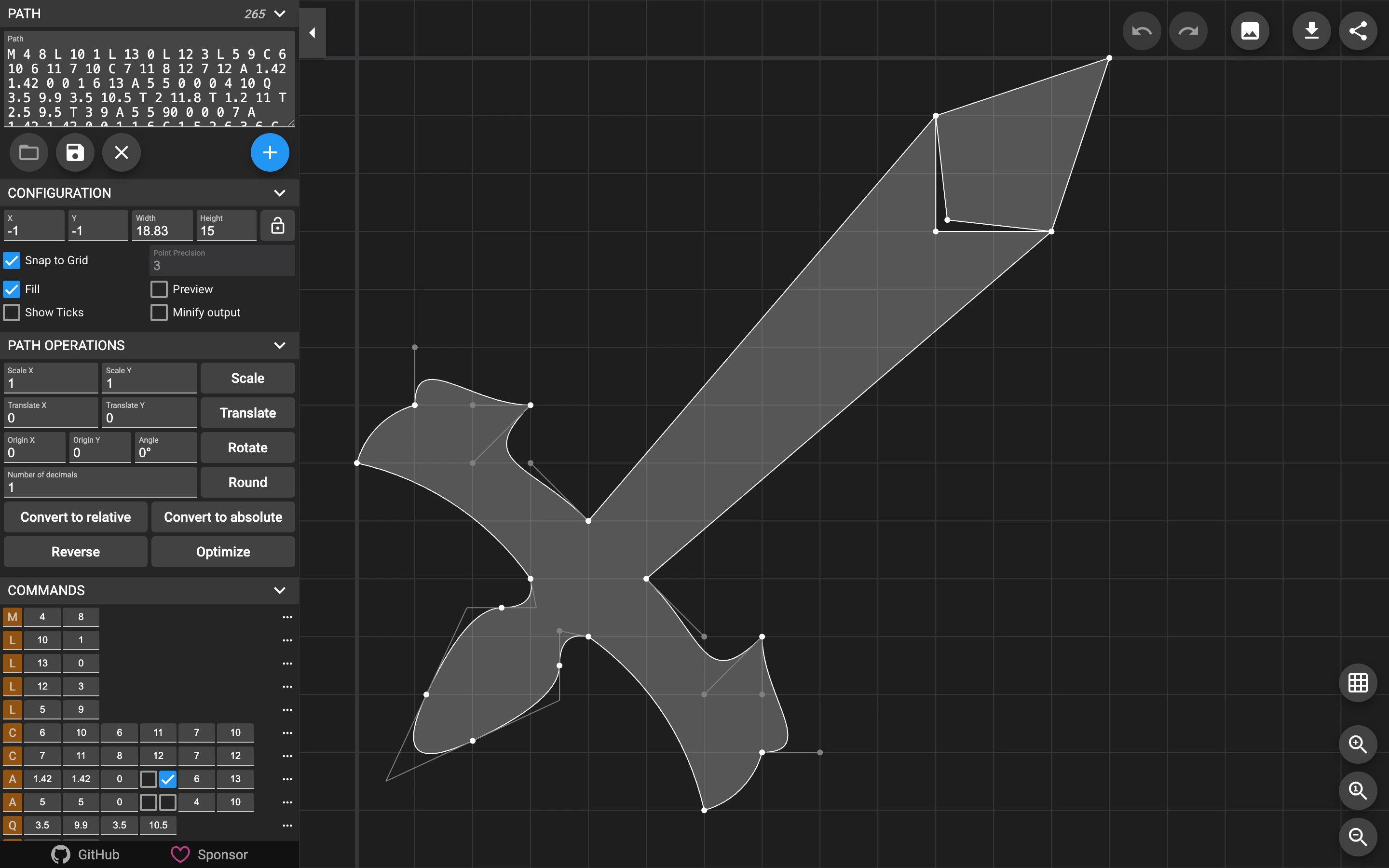
Viewport capture · opening screen Assembled in your browser. No API key or AI request needed. Changing the fields refreshes the preview.
SVG Path Editor — Sample path
Editors & ToolsSee it liveyqnn.github.io
A built-in sword-shaped path connects numeric path commands to visible control points on a large grid.
Why this pattern works
A built-in sword-shaped path connects numeric path commands to visible control points on a large grid.
Design notes
- Surface
- SVG Path Editor — Sample path
- Navigation
- Path-entry and conversion controls in a narrow left panel, with canvas utilities at the right.
- Layout
- A large grid canvas sits beside a scrollable command and property panel.
- Density
- Dense numeric controls paired with a spacious visual editor.
- Color
- Dark grid with gray vector fill and light control points.
- Type
- Small monospaced numeric and path data.
- Pattern
- Keep the vector result beside its underlying commands to make geometry adjustments understandable.
- States
- Built-in example path and its control points; other editor states are not documented.
- Don't
- Adapt the interaction structure to your users. A screenshot does not establish keyboard behavior, loading states or the success of subsequent actions.
Make it your own
Turn this reference into a useful brief for your project. Copy it into the AI tool you already use.