← Back to library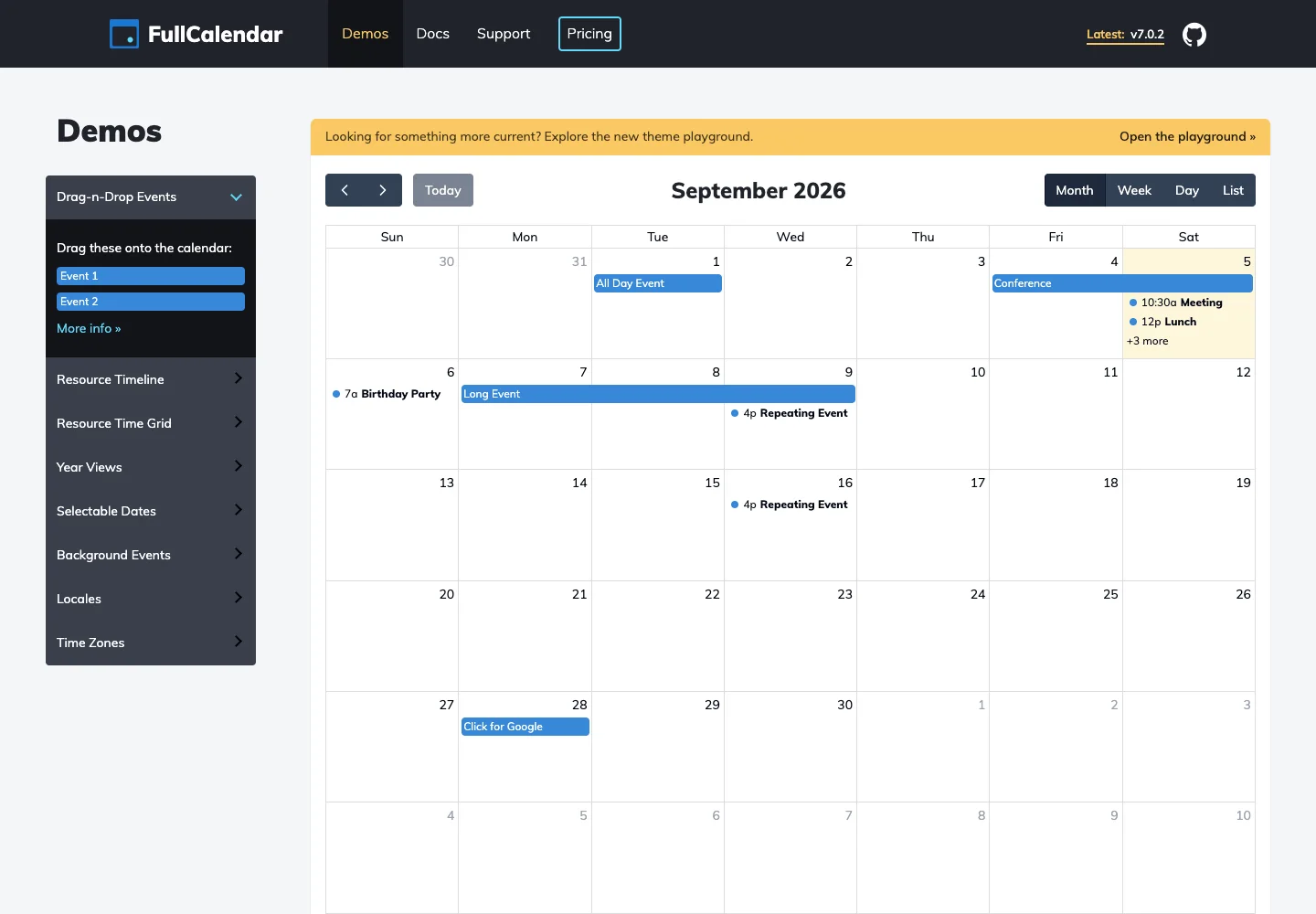
Page excerpt · scroll inside to explore Assembled in your browser. No API key or AI request needed. Changing the fields refreshes the preview.
FullCalendar — Interactive calendar demo
Calendar & SchedulingSee it livefullcalendar.io
An interactive calendar demo offers dated events and multiple calendar views.
Why this pattern works
Keep the active period and view selector close to the event grid.
Design notes
- Surface
- Interactive calendar demo
- Navigation
- Previous, next, today, and view choices sit above the calendar.
- Layout
- A dated event grid sits beside the available demo controls.
- Density
- Use consistent spacing within repeated information so headings, values, and secondary details remain easy to compare.
- Color
- White calendar cells with blue event labels and dark toolbar controls.
- Type
- Use a clear type hierarchy for the page title, primary content, and supporting labels.
- Pattern
- Keep the active period and view selector close to the event grid.
- States
- Public calendar demo with sample events and a month view.
- Don't
- Do not copy brand assets or sample records. Preserve keyboard access and design empty, loading, and error states for the actual task.
Make it your own
Turn this reference into a useful brief for your project. Copy it into the AI tool you already use.