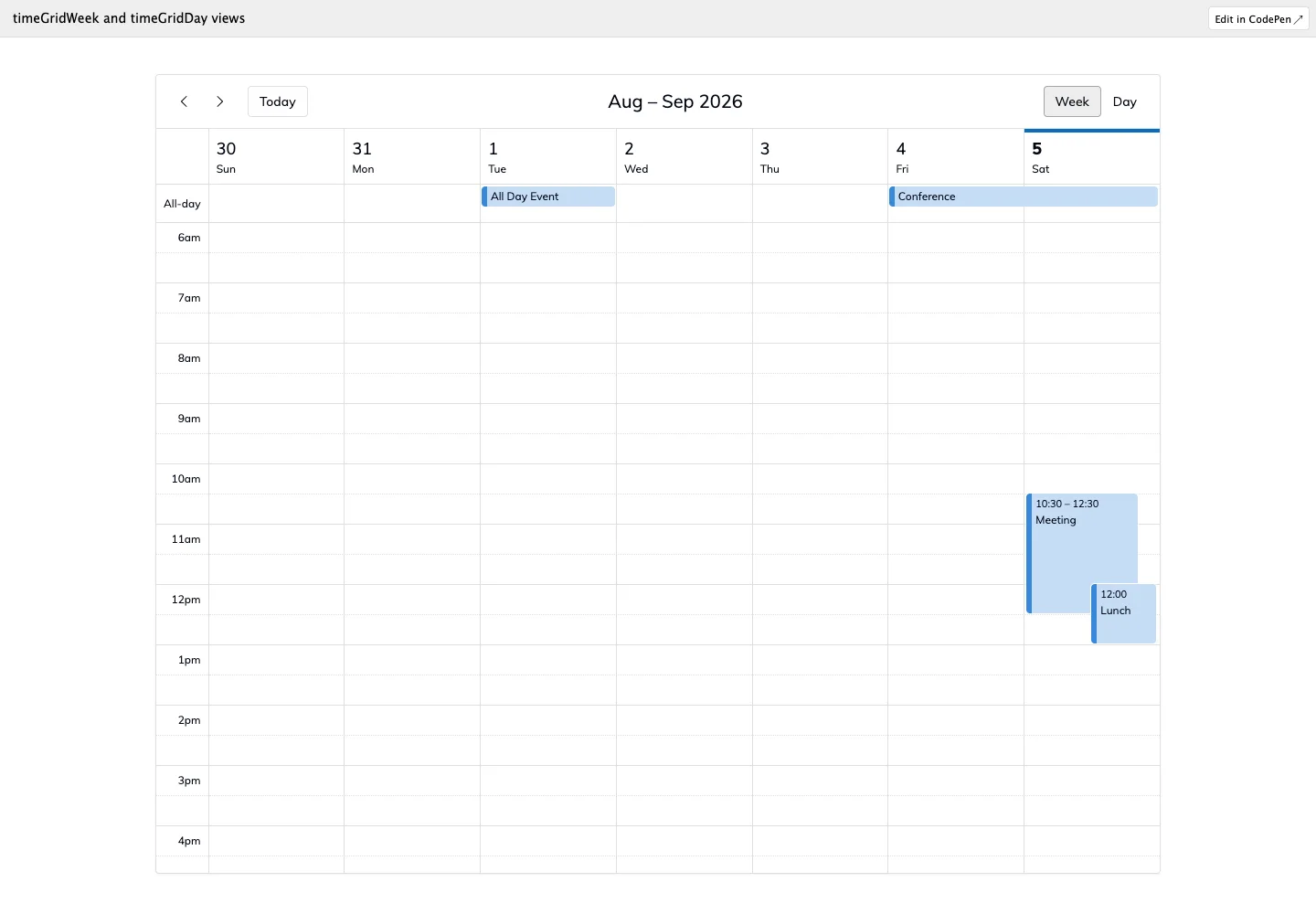
Make time conflicts and available space visible using consistent axes and distinct all-day placement.
Design notes
Surface
Weekly schedule
Navigation
Period arrows, today, and week/day selectors stay above the schedule.
Layout
Seven day columns align against one time axis; overlapping events share horizontal space within a day.
Density
Primary content has the most space; repeated rows and secondary navigation use a compact, consistent rhythm.
Color
White grid, fine gray rules, pale current-day tint, and blue event blocks.
Type
Small hour labels and concise event titles support precise reading of compact event blocks.
Pattern
Make time conflicts and available space visible using consistent axes and distinct all-day placement.
States
Public weekly calendar demo with sample all-day and overlapping timed events.
Don't
Adapt the interaction pattern to your own product. Do not copy brand assets, sample identities, proprietary text, or assume unseen states. Specify keyboard behavior, loading, empty, error, and narrow-screen layouts for your implementation.
Make it your own
Turn this reference into a useful brief for your project. Copy it into the AI tool you already use.
Add constraintsPreview & edit promptAssembled in your browser. No API key or AI request needed. Changing the fields refreshes the preview.