← Back to library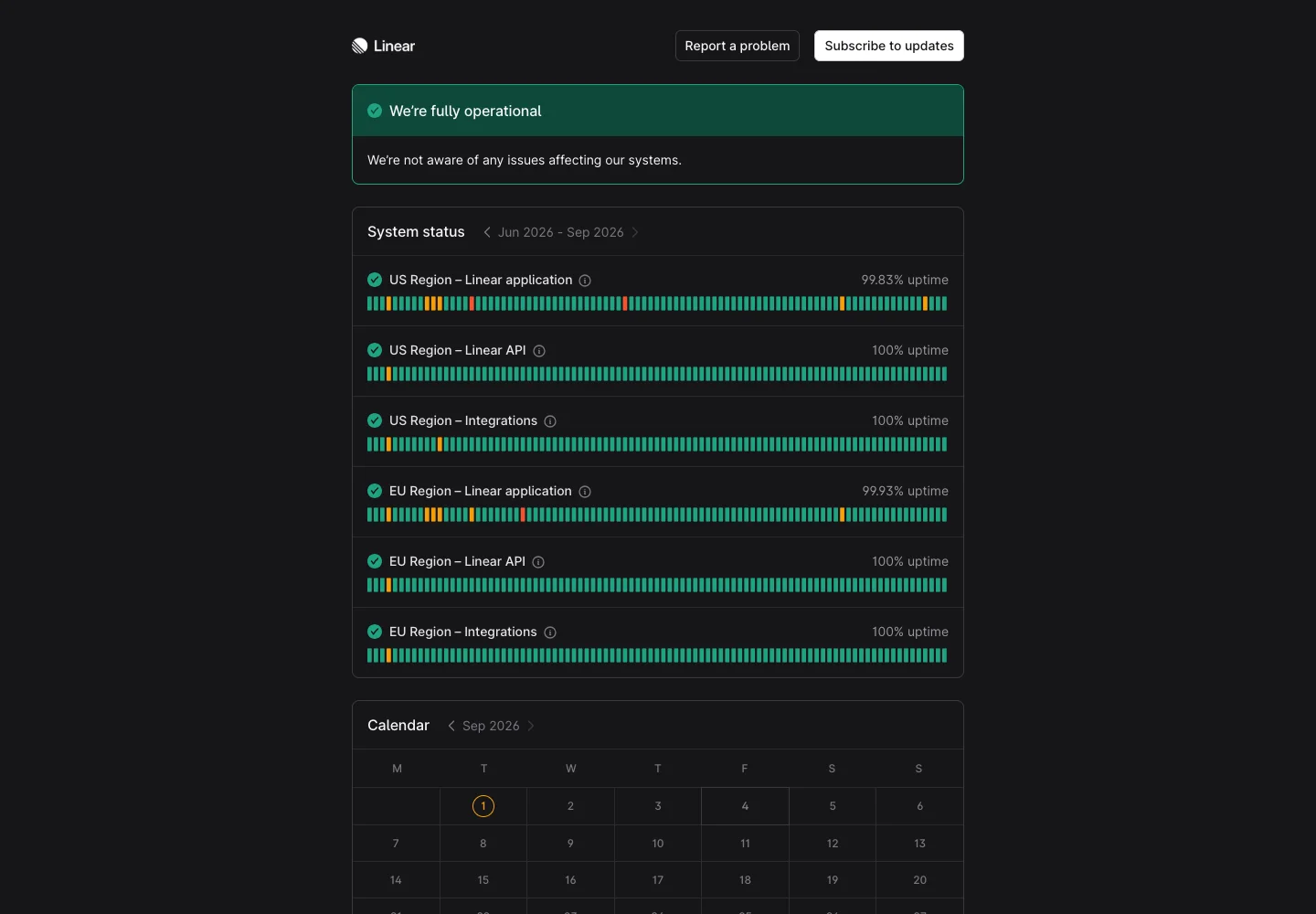
Page excerpt · scroll inside to explore Assembled in your browser. No API key or AI request needed. Changing the fields refreshes the preview.
Linear — Service status
Analytics DashboardSee it livestatus.linear.app
A public status page pairs current service health with recent incident history.
Why this pattern works
Keep the current state prominent and make historical updates easy to scan.
Design notes
- Surface
- Service status
- Navigation
- History and status sections support scanning from current state to prior updates.
- Layout
- A service-health overview precedes dated operational and incident information.
- Density
- Use consistent spacing within repeated information so headings, values, and secondary details remain easy to compare.
- Color
- A restrained status page with clear text hierarchy and semantic health indicators.
- Type
- Use a clear type hierarchy for the page title, primary content, and supporting labels.
- Pattern
- Keep the current state prominent and make historical updates easy to scan.
- States
- Public service-status snapshot at capture time; current availability may differ.
- Don't
- Do not copy brand assets or sample records. Preserve keyboard access and design empty, loading, and error states for the actual task.
Make it your own
Turn this reference into a useful brief for your project. Copy it into the AI tool you already use.