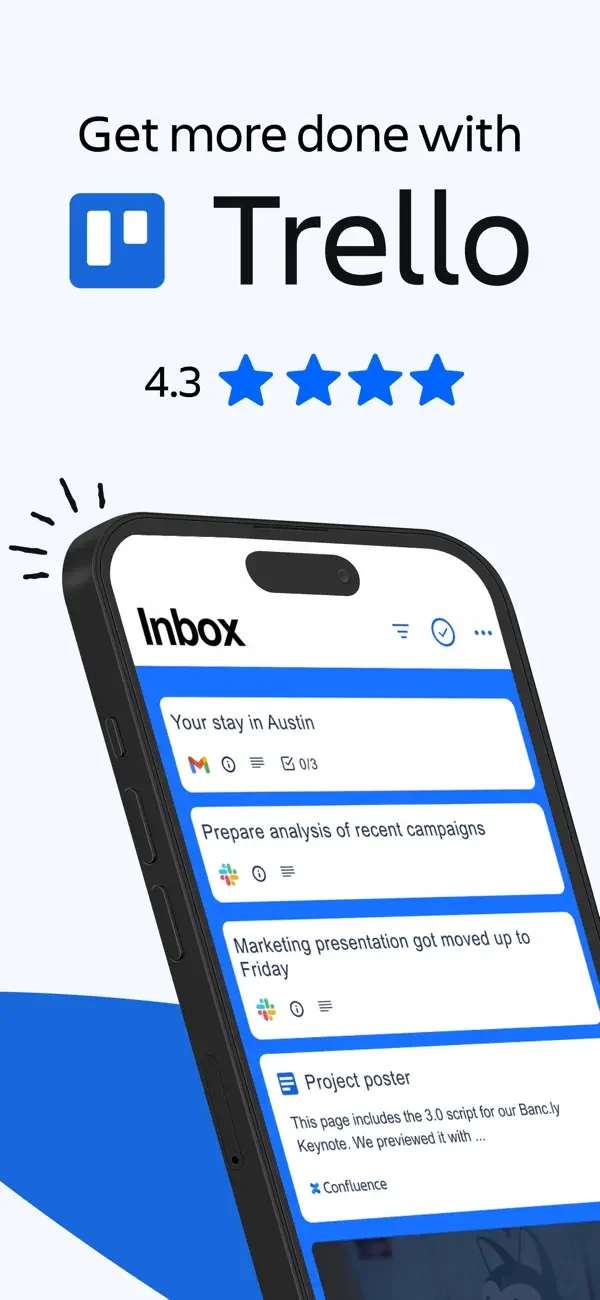
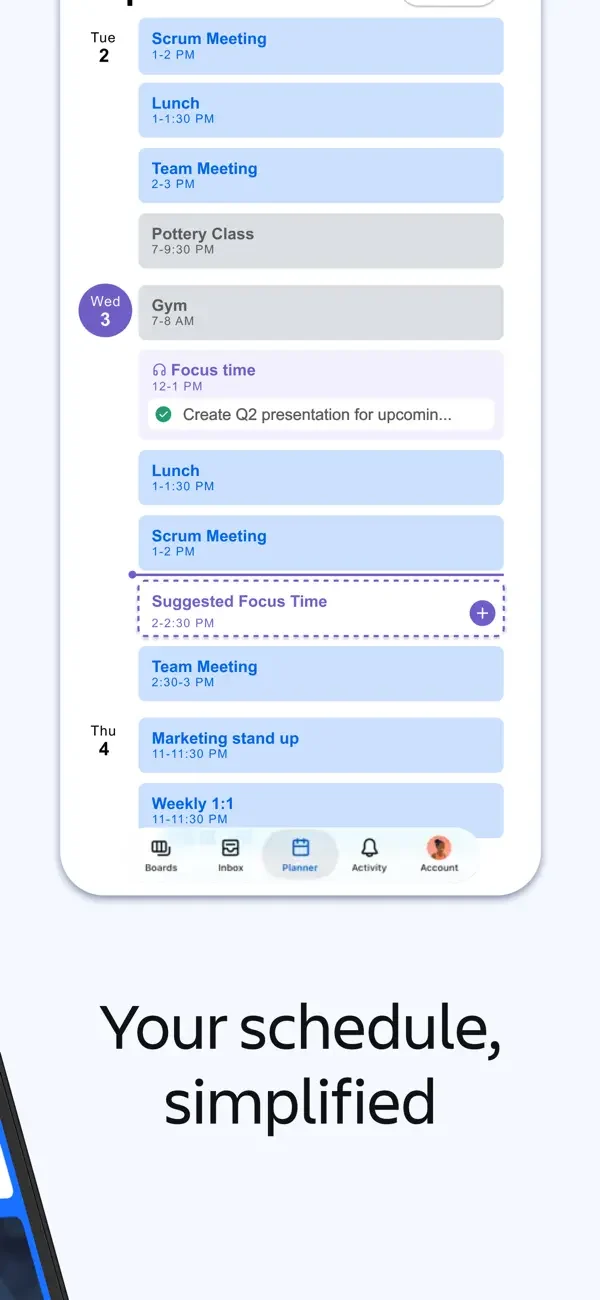
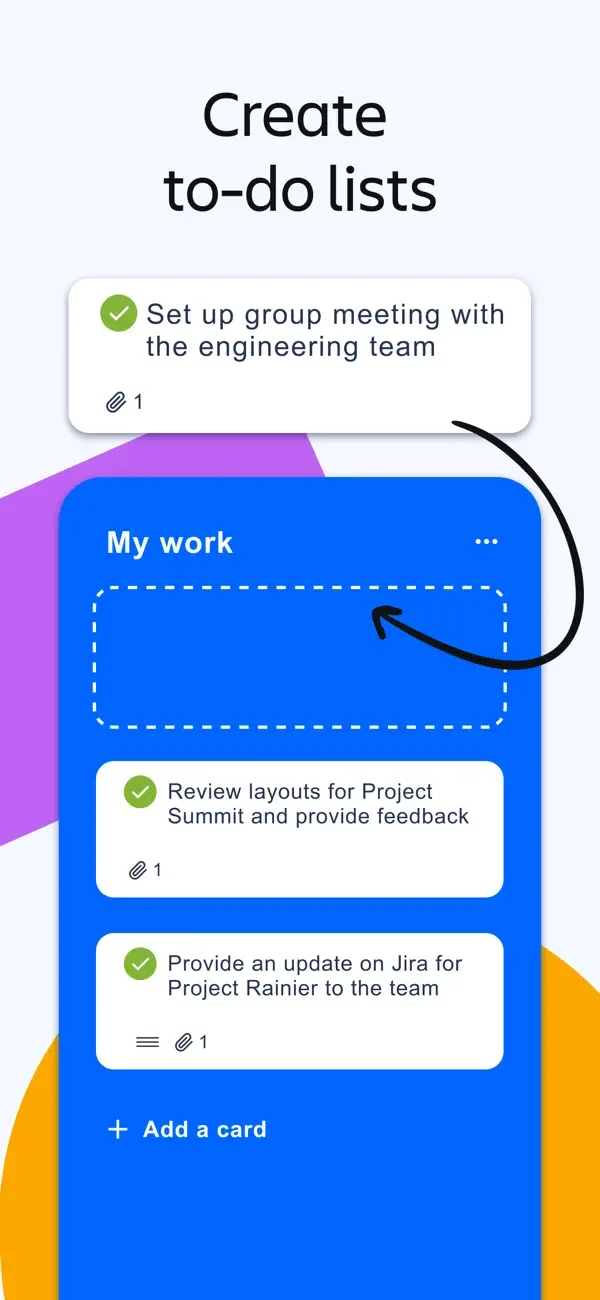
White task cards sit within blue board areas, while a separate schedule arranges work into time slots.
Trello, Inc. · iOS · Listing version 2026.18. Publisher-provided App Store previews, reviewed 2026-09-09. Promotional framing is retained; screen order does not represent a tested flow.
Study inbox cards, calendar schedule, board to-do cards. Compare the hierarchy and controls shown in these publisher previews, then test the corresponding behavior in your own app.
Inbox, calendar, and board surfaces expose different arrangements of the same work.
Layout
White task cards sit within blue board areas, while a separate schedule arranges work into time slots.
Density
Compare the space reserved for the primary task with secondary metadata. The previews retain promotional framing; evaluate target sizes in your implemented screen.
Color
Blue, white, and colored calendar blocks.
Type
Use clear heading, body, and metadata levels. Keep interface text scalable and verify readability with the device text-size settings.
Pattern
Tasks & checklists
States
Static publisher previews only. Loading, empty, error, offline, permission, and keyboard behavior have not been tested. Specify and verify those states in your own implementation.
Don't
Do not copy the app identity, proprietary artwork, or promotional claims. Screenshot order is not a verified flow, and the listing version does not date every image.
Make it your own
Turn this reference into a useful brief for your project. Copy it into the AI tool you already use.
Add constraintsPreview & edit promptAssembled in your browser. No API key or AI request needed. Changing the fields refreshes the preview.