← Back to library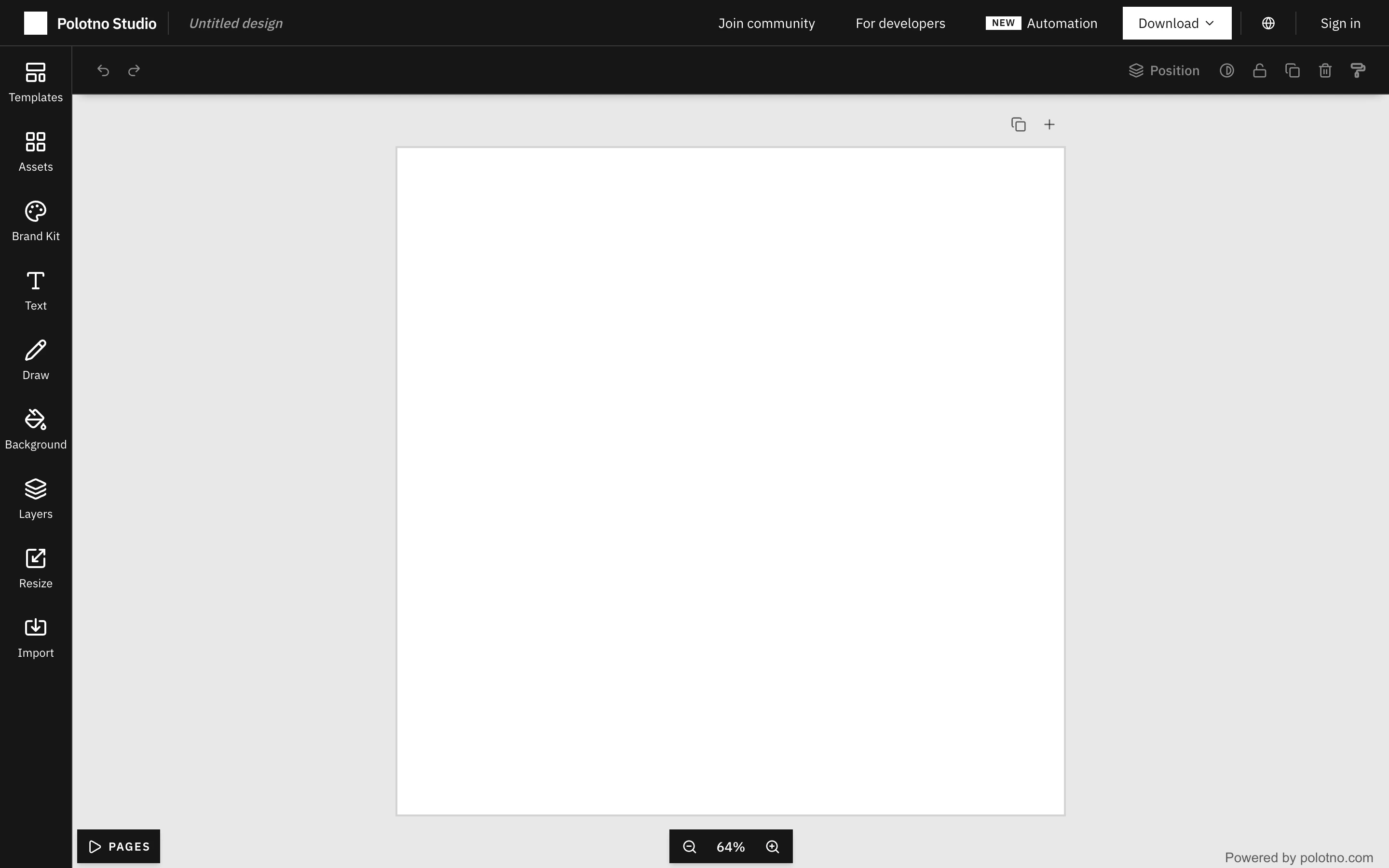
Viewport capture · opening screen Assembled in your browser. No API key or AI request needed. Changing the fields refreshes the preview.
Polotno — Canvas and asset editor
Creative ToolsSee it livepolotno.com
A narrow asset rail and compact toolbar surround a large empty canvas, with page and zoom controls anchored at the bottom.
Why this pattern works
Public design editor, new untitled canvas.
Design notes
- Surface
- Public design editor, new untitled canvas.
- Navigation
- Left tool rail for assets, text, drawing, layers, and import; top actions for download and account access.
- Layout
- Dark editor shell surrounding a light workspace and centered white canvas.
- Density
- Low on the canvas, compact around the edges.
- Color
- Dark charcoal chrome, gray workspace, white page.
- Type
- Small sans tool labels.
- Pattern
- Keep tools at the edges and the artifact in the center; anchor zoom and page navigation consistently.
- States
- Actual empty canvas. No design was uploaded or exported.
- Don't
- Do not mistake the empty canvas for a loading screen or fill it with invented customer work.
Make it your own
Turn this reference into a useful brief for your project. Copy it into the AI tool you already use.