← Back to libraryLinkedIn
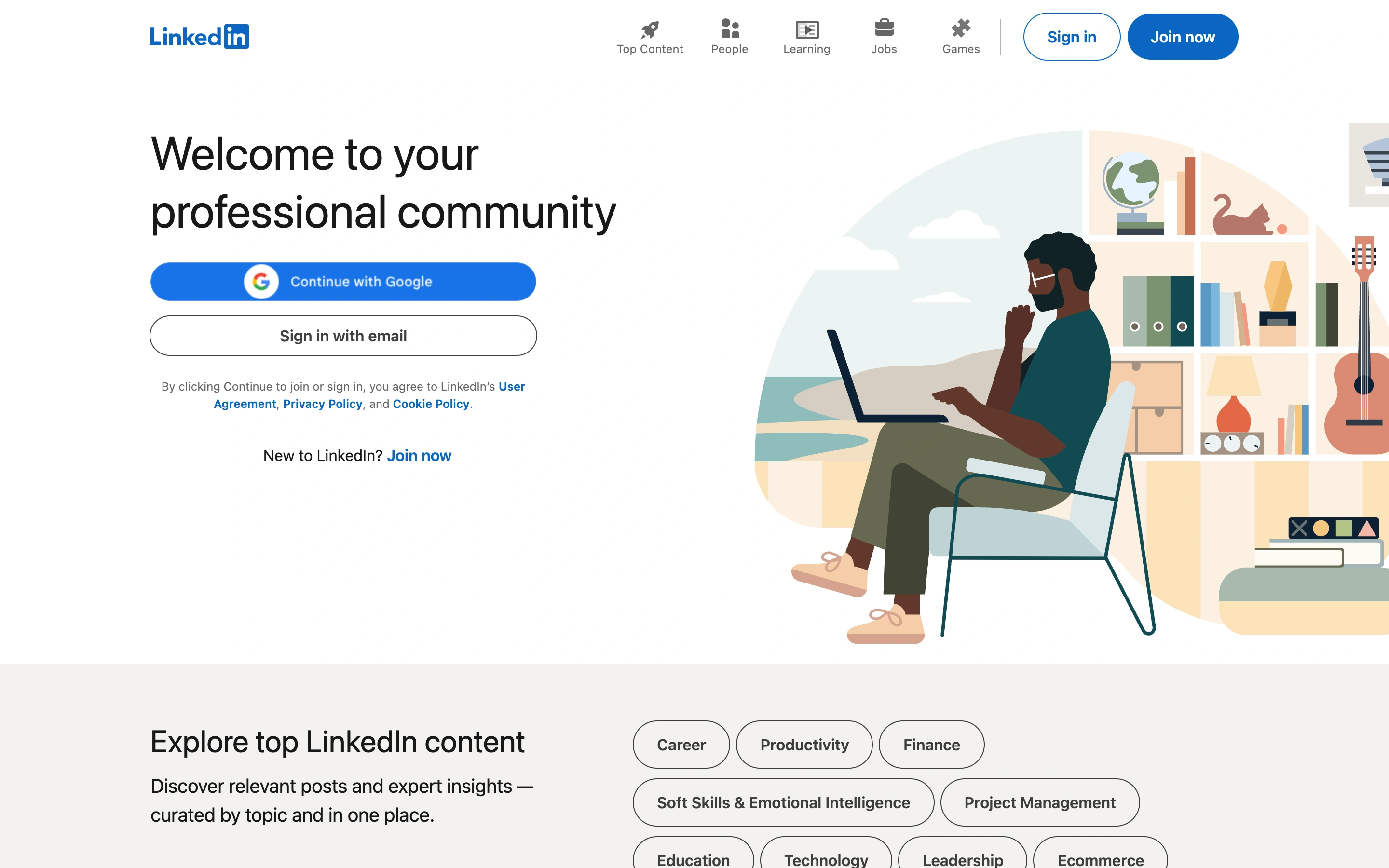
Viewport capture · opening screen Assembled in your browser. No API key or AI request needed. Changing the fields refreshes the preview.
IllustratedVisit sitelinkedin.com
A professional-network introduction pairs account-entry choices with a large people-focused illustration, while topic chips begin content discovery below.
Why this pattern works
Professional platforms that need both a membership path and a preview of the topics available.
Design notes
- Mood
- Professional and welcoming
- Colors
- White, LinkedIn blue, muted illustration colors
- Type
- Large light sans headline and compact navigation labels
- Layout
- Two-column introduction with account actions on the left and illustration on the right
- Motion
- Static opening-screen capture. Visit the source to study transitions and interactive behavior.
- Texture
- Flat vector illustration and pill-shaped topic controls
- Don't
- Adapt the hierarchy to your own product and content; use your own identity and imagery.
Make it your own
Turn this reference into a useful brief for your project. Copy it into the AI tool you already use.