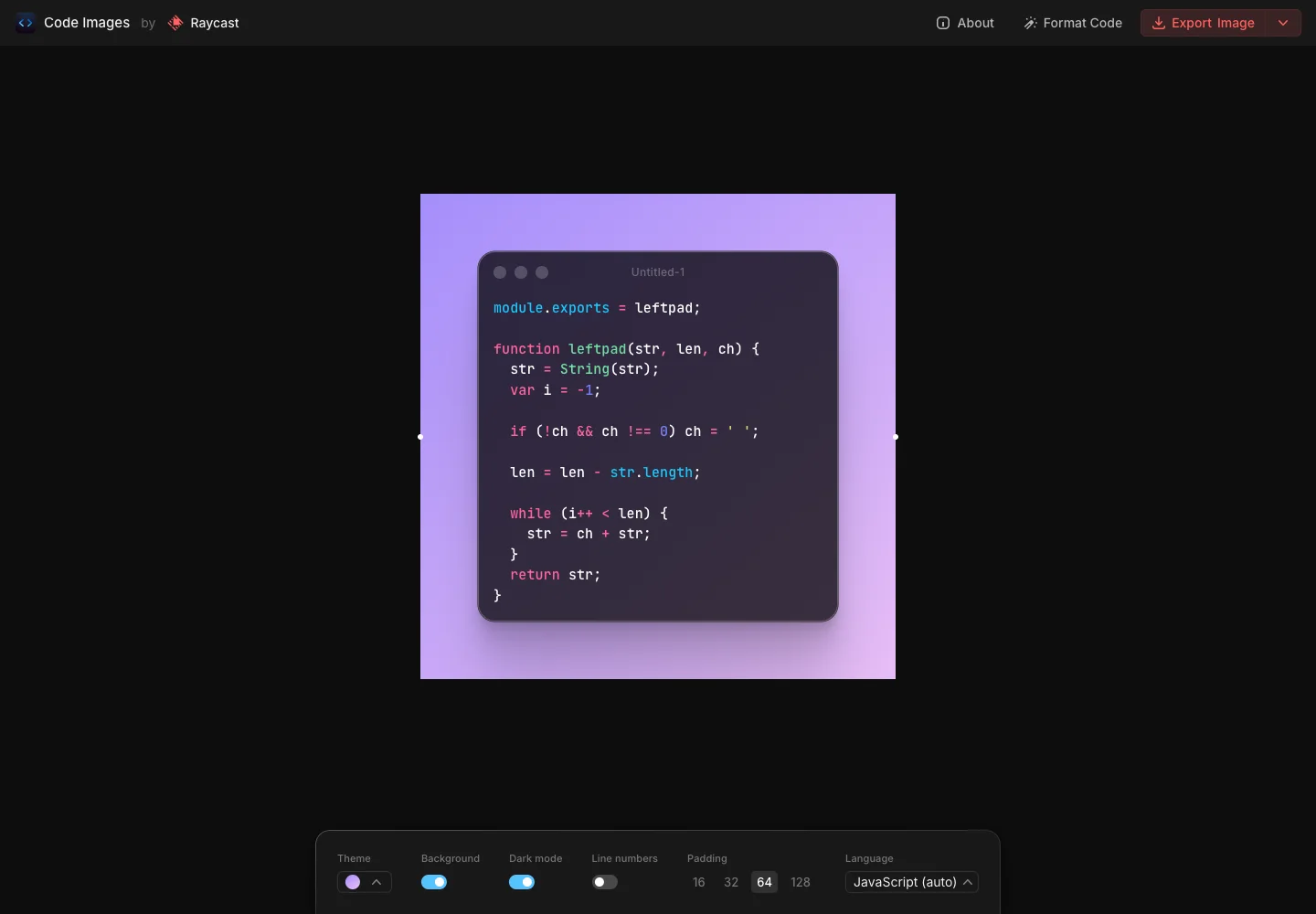
Keep the composition visible as a whole while grouping appearance settings in one predictable place.
Design notes
Surface
Code image editor
Navigation
Export stays in the top bar while theme, background, padding, and language live near the preview.
Layout
A centered code card floats on a color field with a horizontal settings panel beneath it.
Density
Primary content has the most space; repeated rows and secondary navigation use a compact, consistent rhythm.
Color
A near-black workspace surrounds a violet gradient and syntax-colored code.
Type
Use a restrained toolbar and a large preview to keep composition choices easy to compare.
Pattern
Keep the composition visible as a whole while grouping appearance settings in one predictable place.
States
The public tool's supplied sample code; no image was exported.
Don't
Adapt the interaction pattern to your own product. Do not copy brand assets, sample identities, proprietary text, or assume unseen states. Specify keyboard behavior, loading, empty, error, and narrow-screen layouts for your implementation.
Make it your own
Turn this reference into a useful brief for your project. Copy it into the AI tool you already use.
Add constraintsPreview & edit promptAssembled in your browser. No API key or AI request needed. Changing the fields refreshes the preview.