← Back to library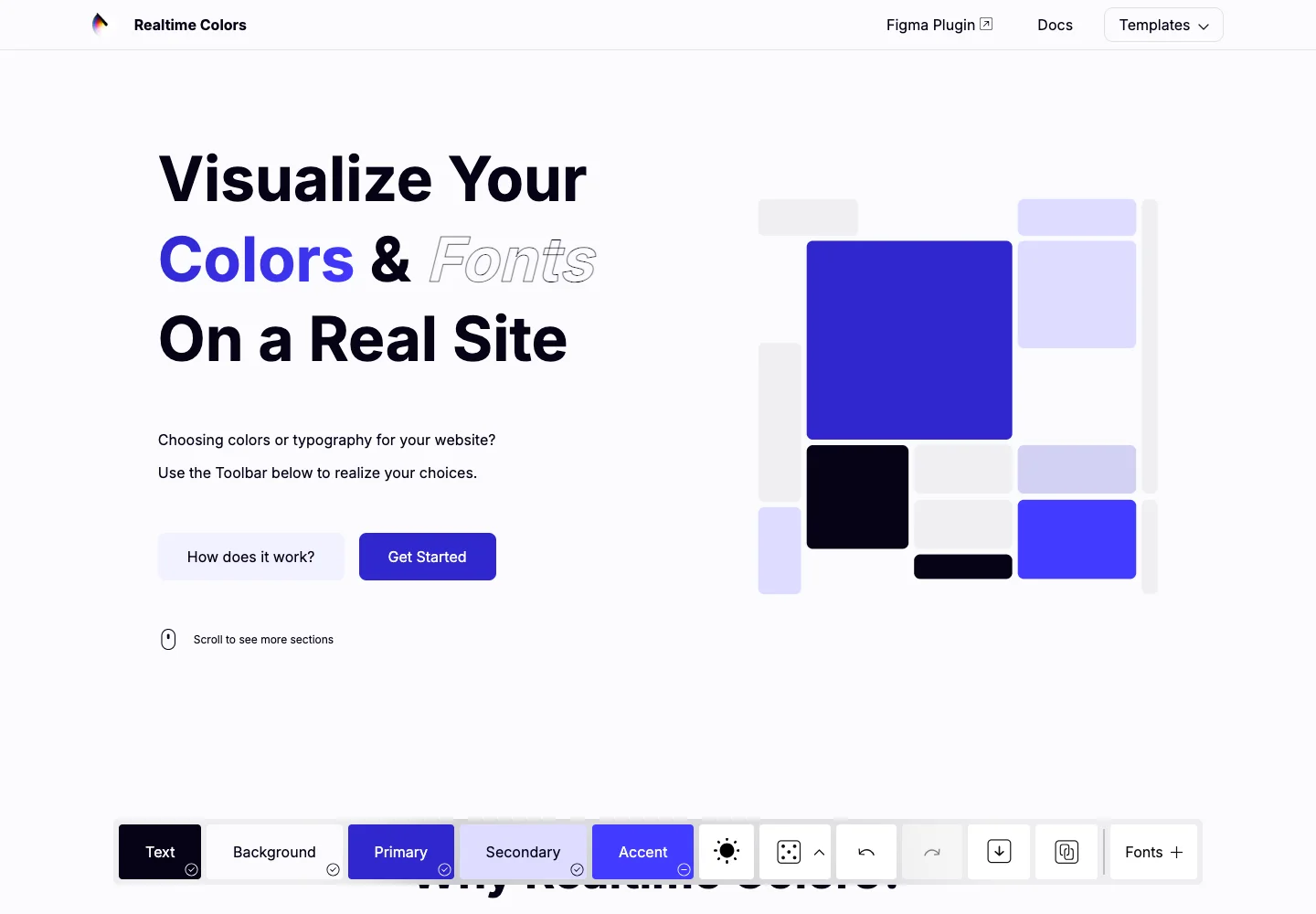
Page excerpt · scroll inside to explore Assembled in your browser. No API key or AI request needed. Changing the fields refreshes the preview.
Realtime Colors — Theme preview
Creative ToolsSee it liverealtimecolors.com
A color tool applies editable palette choices to a live page composition.
Why this pattern works
Preview semantic color roles in context before exporting a palette.
Design notes
- Surface
- Theme preview
- Navigation
- Palette roles and editing controls remain grouped in the toolbar.
- Layout
- A live page composition occupies most of the screen with a compact palette toolbar near the bottom.
- Density
- Use consistent spacing within repeated information so headings, values, and secondary details remain easy to compare.
- Color
- A light page with violet accents previews the currently selected palette.
- Type
- Use a clear type hierarchy for the page title, primary content, and supporting labels.
- Pattern
- Preview semantic color roles in context before exporting a palette.
- States
- Default interactive theme preview, before changing any colors.
- Don't
- Do not copy brand assets or sample records. Preserve keyboard access and design empty, loading, and error states for the actual task.
Make it your own
Turn this reference into a useful brief for your project. Copy it into the AI tool you already use.