← Back to library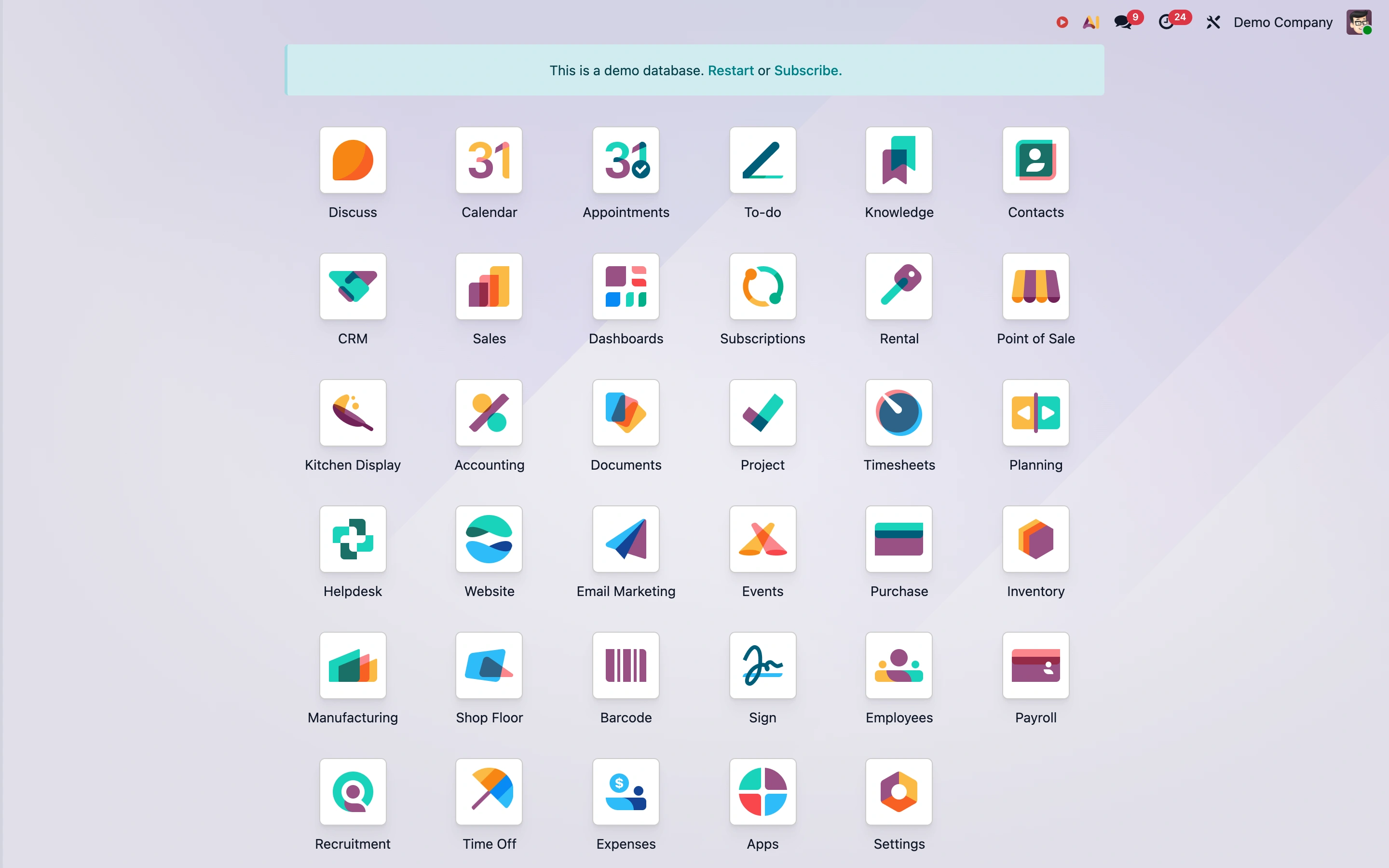
Viewport capture · opening screen Assembled in your browser. No API key or AI request needed. Changing the fields refreshes the preview.
Odoo — Public demo
NavigationSee it livedemo6.odoo.com
A public demo launcher presents business modules as a spacious icon grid, with a clear banner identifying the demo database.
Why this pattern works
Multi-module business suites that need a simple starting point across many tools.
Design notes
- Surface
- Odoo public Demo Company application launcher.
- Navigation
- Compact global toolbar above the module grid.
- Layout
- Centered rows of labeled application icons on a soft gradient canvas.
- Density
- Moderate, with generous spacing between equal-sized targets.
- Color
- Pastel background, white icon tiles, varied module symbols.
- Type
- Small uniform application labels.
- Pattern
- Use a consistent icon-and-label grid to make a broad suite navigable without a crowded menu.
- States
- Public demo database, explicitly labeled as a demo; no records were changed.
- Don't
- Do not rely on unfamiliar icons without text labels or hide the demo state.
Make it your own
Turn this reference into a useful brief for your project. Copy it into the AI tool you already use.