← Back to library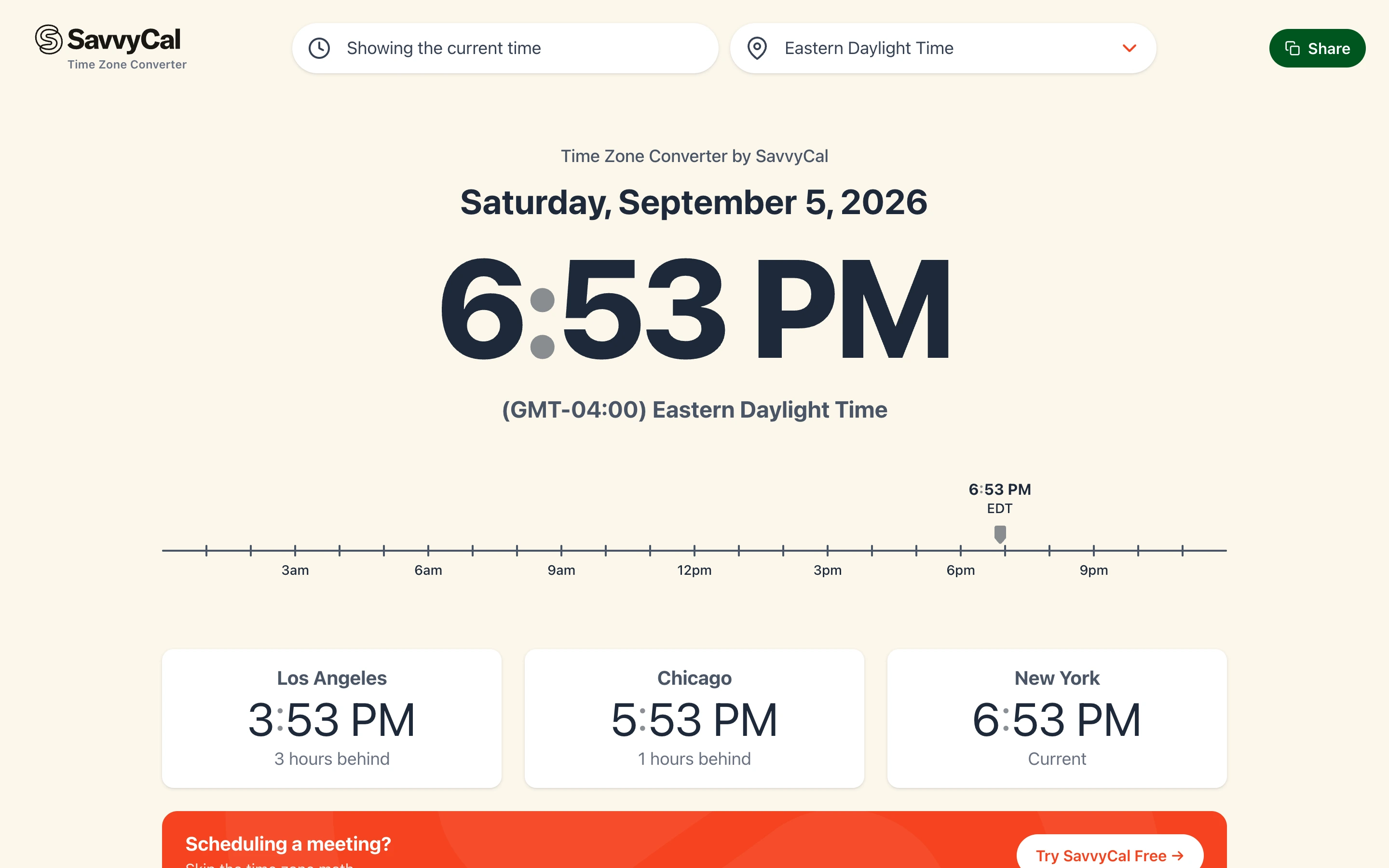
Viewport capture · opening screen Assembled in your browser. No API key or AI request needed. Changing the fields refreshes the preview.
SavvyCal — Time zone comparison
Calendar & SchedulingSee it livetime.savvycal.com
A large local time anchors a horizontal hour rail and comparison cards, making a time difference visible before users need to read a city list.
Why this pattern works
Public time zone converter.
Design notes
- Surface
- Public time zone converter.
- Navigation
- Time and zone selectors across the top, plus a Share action.
- Layout
- Large date and time, horizontal timeline, then city comparison cards.
- Density
- Low around the current time, denser further down the city list.
- Color
- Warm cream, dark navy, white cards, green primary utility action.
- Type
- Large tabular-looking time numerals with compact sans labels.
- Pattern
- Establish one reference time and show the offset beside every comparison.
- States
- Live current-time state; this capture does not book or share a meeting.
- Don't
- Do not rely on zone abbreviations alone when a city and relative offset can clarify them.
Make it your own
Turn this reference into a useful brief for your project. Copy it into the AI tool you already use.