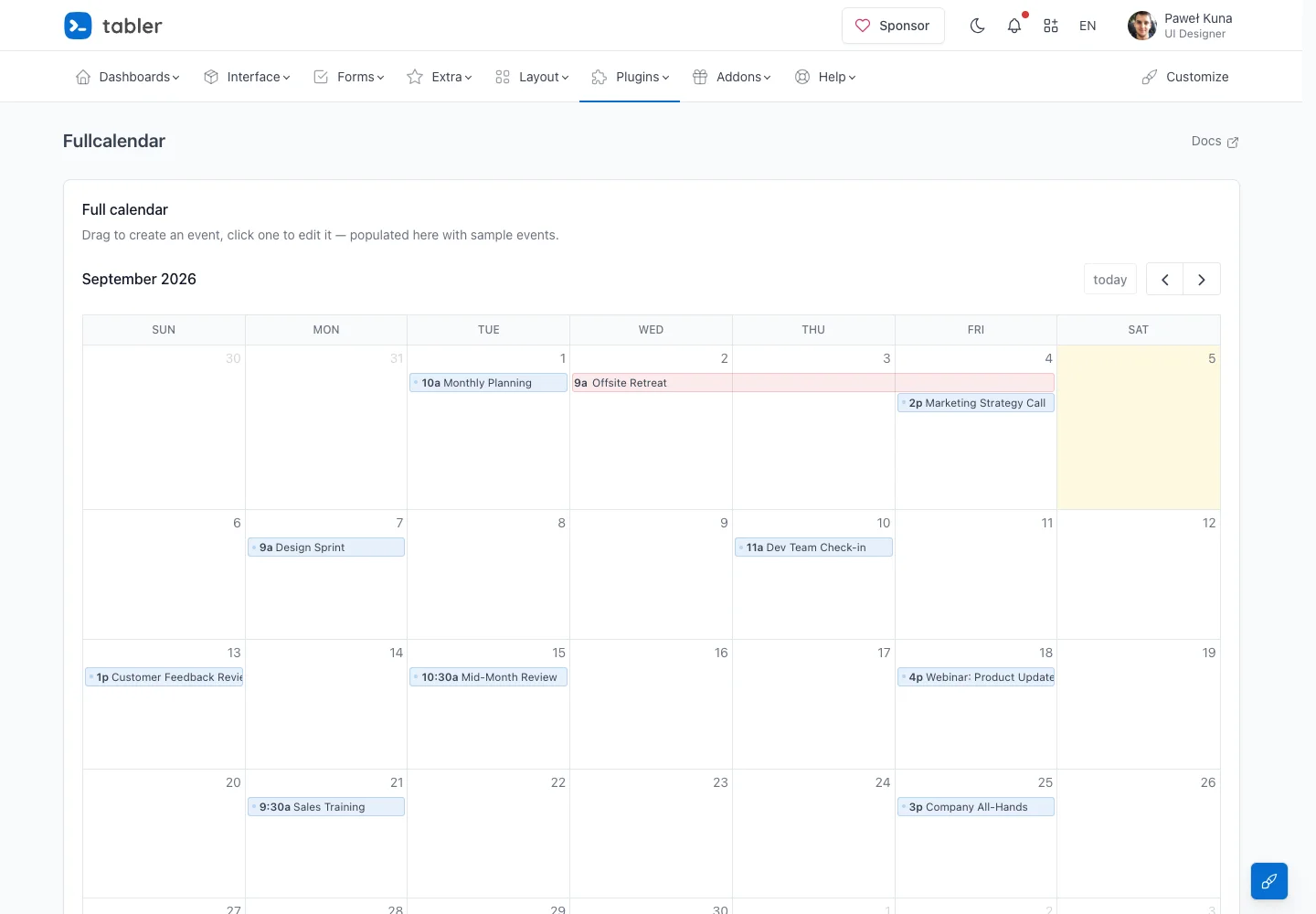
Keep period navigation close to a spacious calendar while distinguishing event types without heavy decoration.
Design notes
Surface
Team calendar
Navigation
Previous, next, and today controls sit beside the active month above the grid.
Layout
A full-width month grid places date labels above compact event bars.
Density
Primary content has the most space; repeated rows and secondary navigation use a compact, consistent rhythm.
Color
White date cells, subtle current-day tint, and restrained blue and pink events.
Type
Small date labels and concise event titles preserve usable space within each day.
Pattern
Keep period navigation close to a spacious calendar while distinguishing event types without heavy decoration.
States
Public month-view demo with sample meetings and an all-day event.
Don't
Adapt the interaction pattern to your own product. Do not copy brand assets, sample identities, proprietary text, or assume unseen states. Specify keyboard behavior, loading, empty, error, and narrow-screen layouts for your implementation.
Make it your own
Turn this reference into a useful brief for your project. Copy it into the AI tool you already use.
Add constraintsPreview & edit promptAssembled in your browser. No API key or AI request needed. Changing the fields refreshes the preview.