← Back to library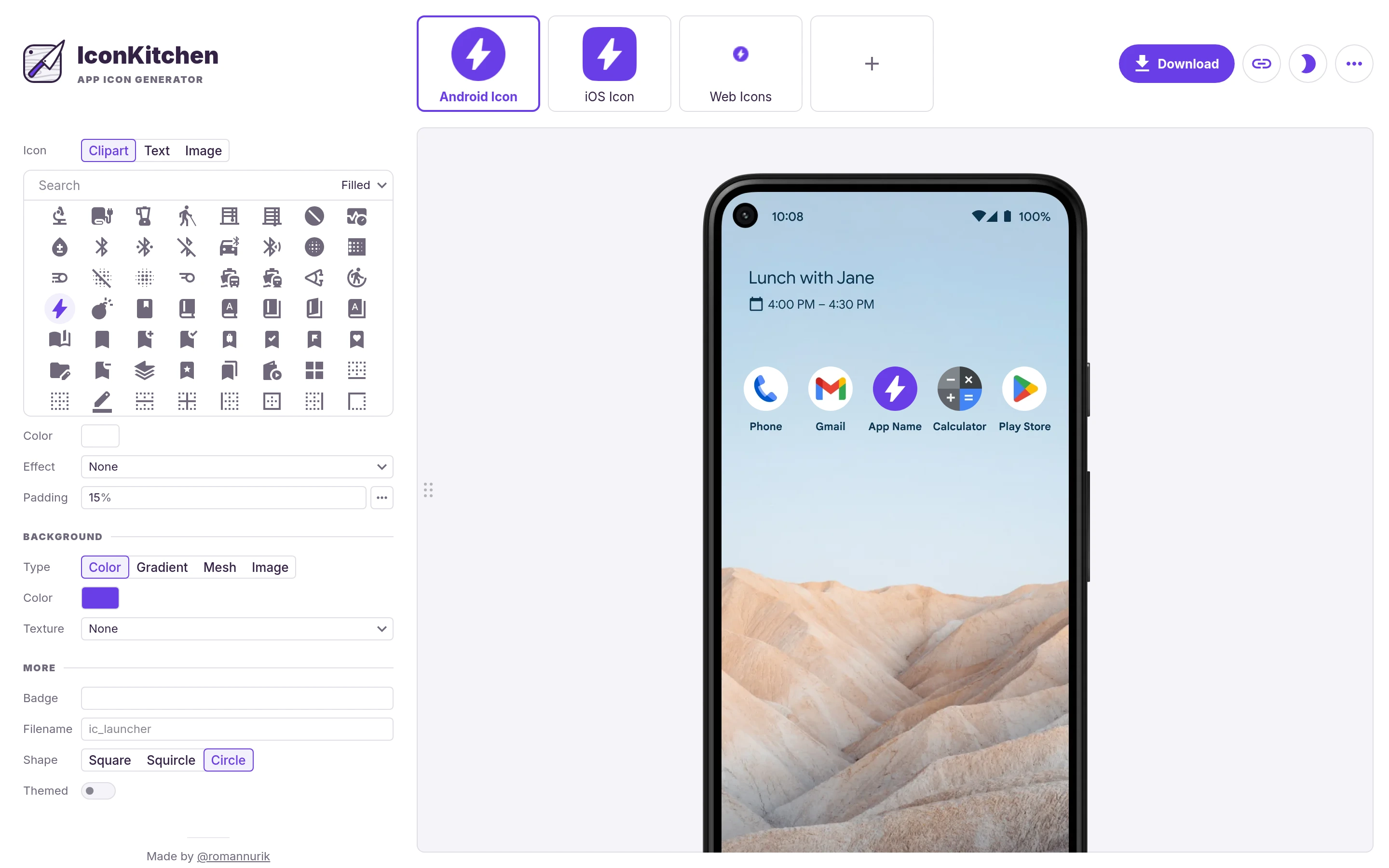
Viewport capture · opening screen Assembled in your browser. No API key or AI request needed. Changing the fields refreshes the preview.
IconKitchen — App icon builder
Design ToolsSee it liveicon.kitchen
An app icon is previewed on a phone while clipart, foreground, background, and shape controls sit at the left.
Why this pattern works
Show an icon in device context while keeping platform variants and export visible.
Design notes
- Surface
- IconKitchen — App icon builder
- Navigation
- Platform variants appear as visual tabs across the top.
- Layout
- A compact configuration column sits beside a large device preview.
- Density
- Many icon and style choices remain organized into small labeled groups.
- Color
- White and pale lavender panels with a saturated purple accent.
- Type
- Small sans-serif labels keep tools and content visually separate.
- Pattern
- Show an icon in device context while keeping platform variants and export visible.
- States
- This capture records the visible state only. Loading, error, and later workflow states were not verified.
- Don't
- Adapt the interface pattern with original content, branding, and data; do not infer behavior from a still image.
Make it your own
Turn this reference into a useful brief for your project. Copy it into the AI tool you already use.