← Back to library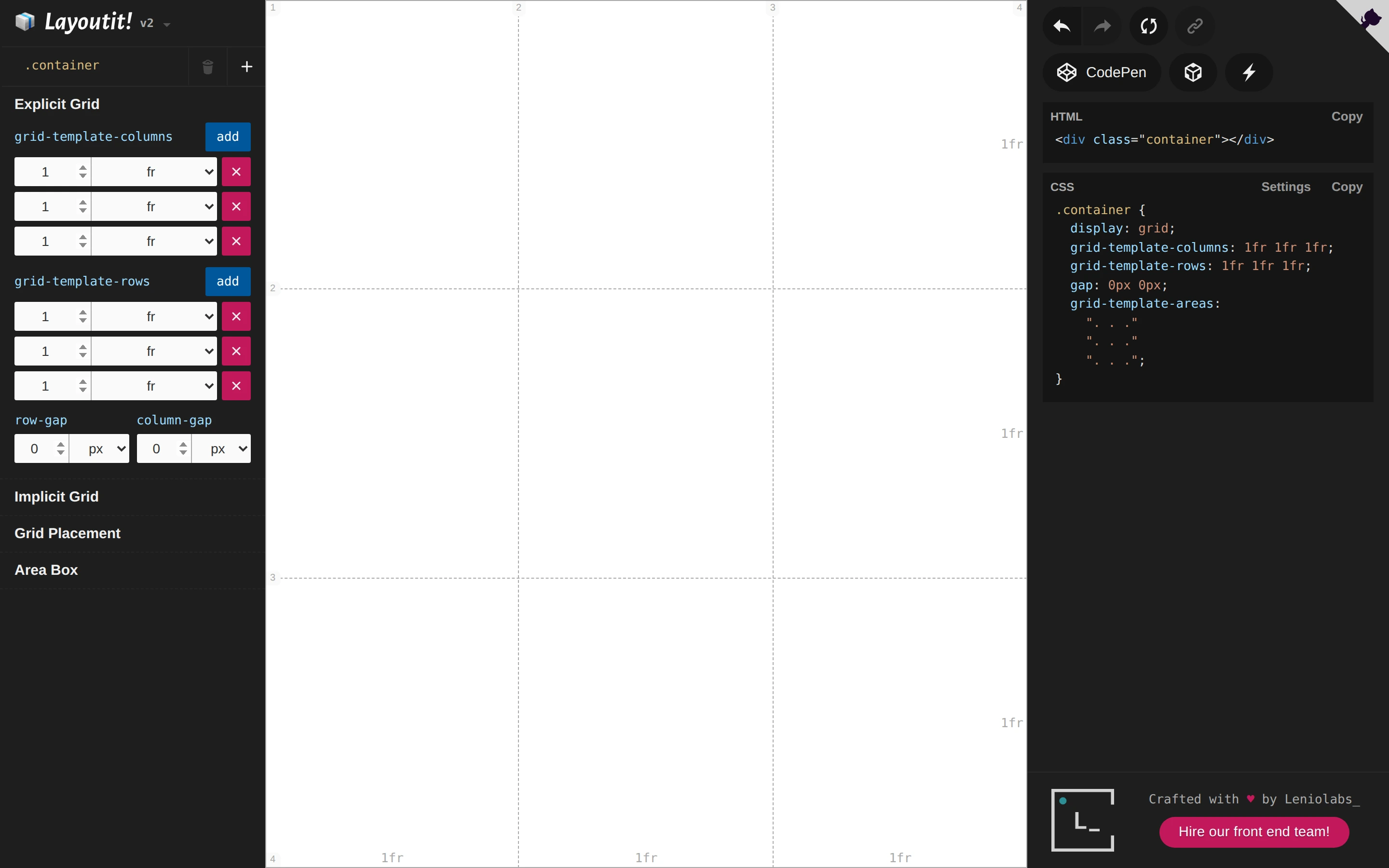
Viewport capture · opening screen Assembled in your browser. No API key or AI request needed. Changing the fields refreshes the preview.
Layoutit Grid — Grid layout editor
Design ToolsSee it livegrid.layoutit.com
A grid preview separates dimension controls on the left from generated HTML and CSS on the right.
Why this pattern works
Expose layout controls and generated code on opposite sides of the same live grid.
Design notes
- Surface
- Layoutit Grid — Grid layout editor
- Navigation
- A compact right-side toolbar exposes related output actions.
- Layout
- Three columns show controls, a large grid canvas, and code output.
- Density
- Dense numerical inputs and code surround the simple visual grid.
- Color
- Dark side panels, white canvas, blue additions, and pink removal controls.
- Type
- Small sans-serif labels keep tools and content visually separate.
- Pattern
- Expose layout controls and generated code on opposite sides of the same live grid.
- States
- This capture records the visible state only. Loading, error, and later workflow states were not verified.
- Don't
- Adapt the interface pattern with original content, branding, and data; do not infer behavior from a still image.
Make it your own
Turn this reference into a useful brief for your project. Copy it into the AI tool you already use.