← Back to library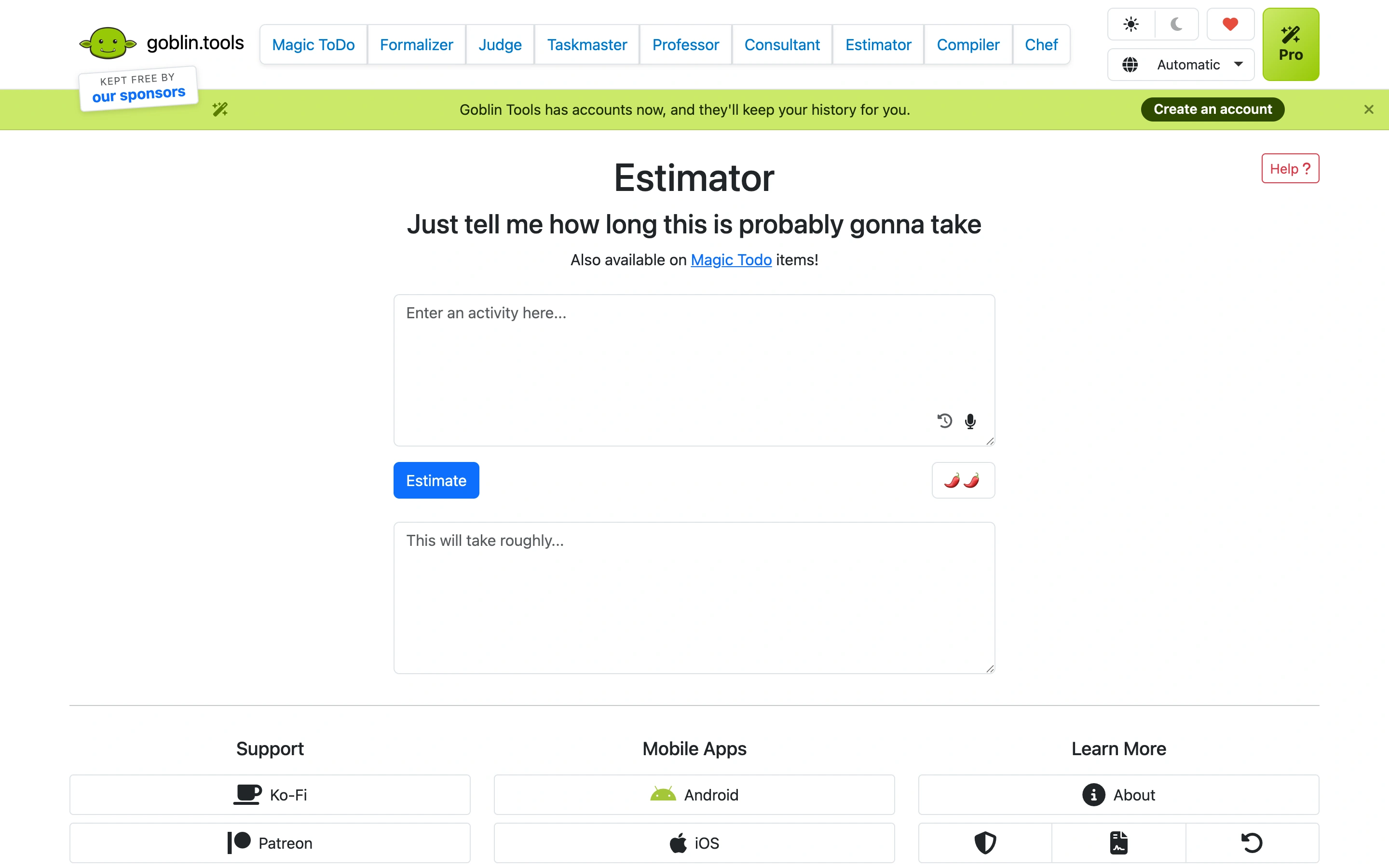
Viewport capture · opening screen Assembled in your browser. No API key or AI request needed. Changing the fields refreshes the preview.
Goblin Tools — Estimator
Project ManagementSee it livegoblin.tools
An activity input sits above an estimate action, intensity controls and an empty duration output.
Why this pattern works
Place adjustment controls next to the operation they affect.
Design notes
- Surface
- An activity input sits above an estimate action, intensity controls and an empty duration output.
- Navigation
- Shared horizontal tool navigation
- Layout
- Stacked form with controls between input and output
- Density
- Comfortable spacing with focused controls.
- Color
- White, blue and lime
- Type
- Readable sans-serif controls and clear heading hierarchy.
- Pattern
- Place adjustment controls next to the operation they affect.
- States
- Public initial state; no user content submitted.
- Don't
- Adapt the layout to your own product and supported capabilities; write your own examples and keep important actions clearly labeled.
Make it your own
Turn this reference into a useful brief for your project. Copy it into the AI tool you already use.