← Back to library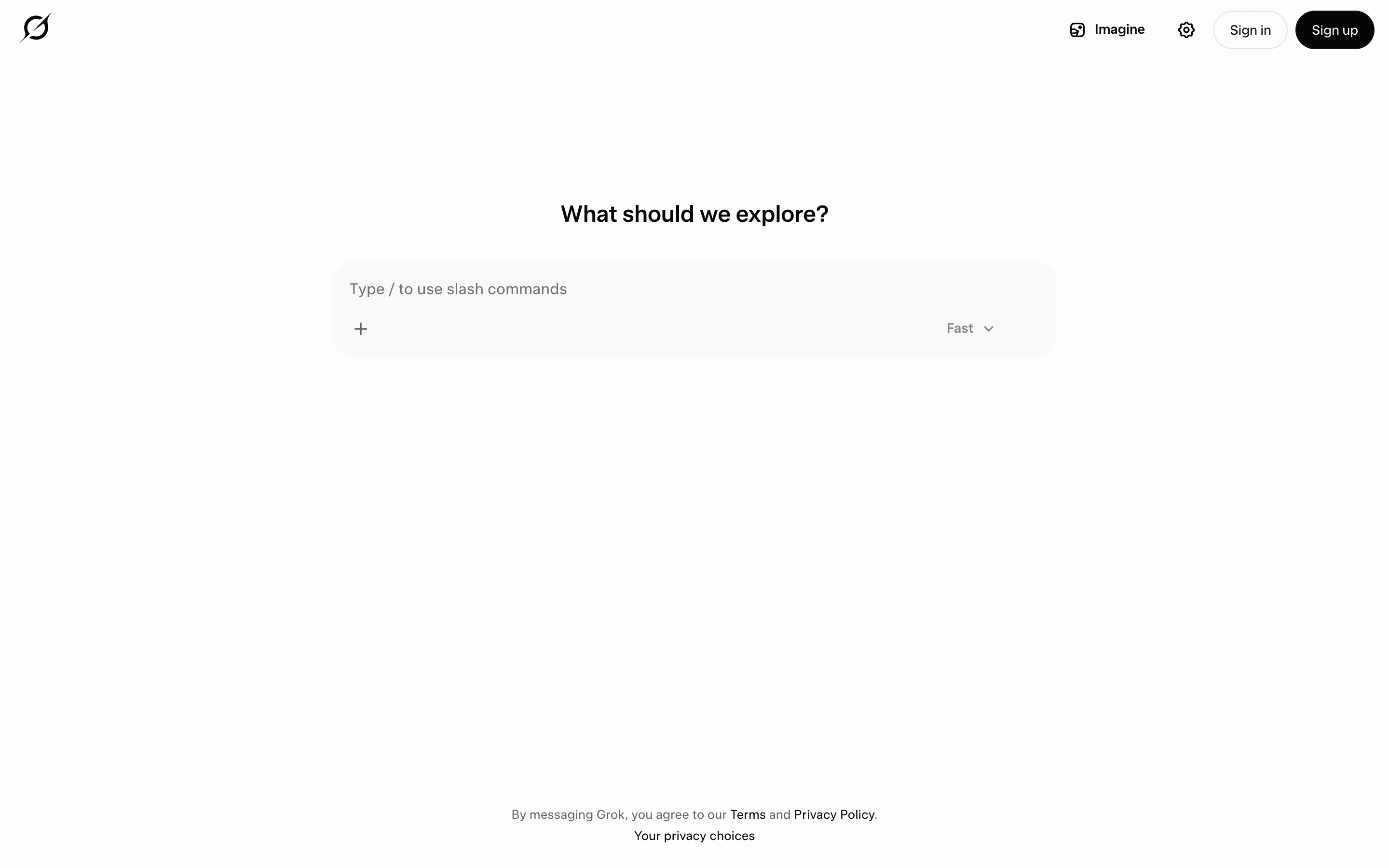
Viewport capture · opening screen Assembled in your browser. No API key or AI request needed. Changing the fields refreshes the preview.
Grok — New conversation
AI ChatSee it livegrok.com
An assistant’s public starting screen uses a compact composer beneath a short invitation.
Why this pattern works
Reduce the initial chat screen to a clear prompt field and a few contextual controls.
Design notes
- Surface
- An assistant’s public starting screen uses a compact composer beneath a short invitation.
- Navigation
- Small account actions stay in the upper corners.
- Layout
- A narrow centered composer is surrounded by generous whitespace.
- Density
- Very low density.
- Color
- White and pale grey with dark text and controls.
- Type
- Small restrained sans-serif text.
- Pattern
- Reduce the initial chat screen to a clear prompt field and a few contextual controls.
- States
- Signed-out new-conversation state; no prompt submitted.
- Don't
- Adapt the layout to your own product and supported capabilities; write your own examples and keep important actions clearly labeled.
Make it your own
Turn this reference into a useful brief for your project. Copy it into the AI tool you already use.