← Back to library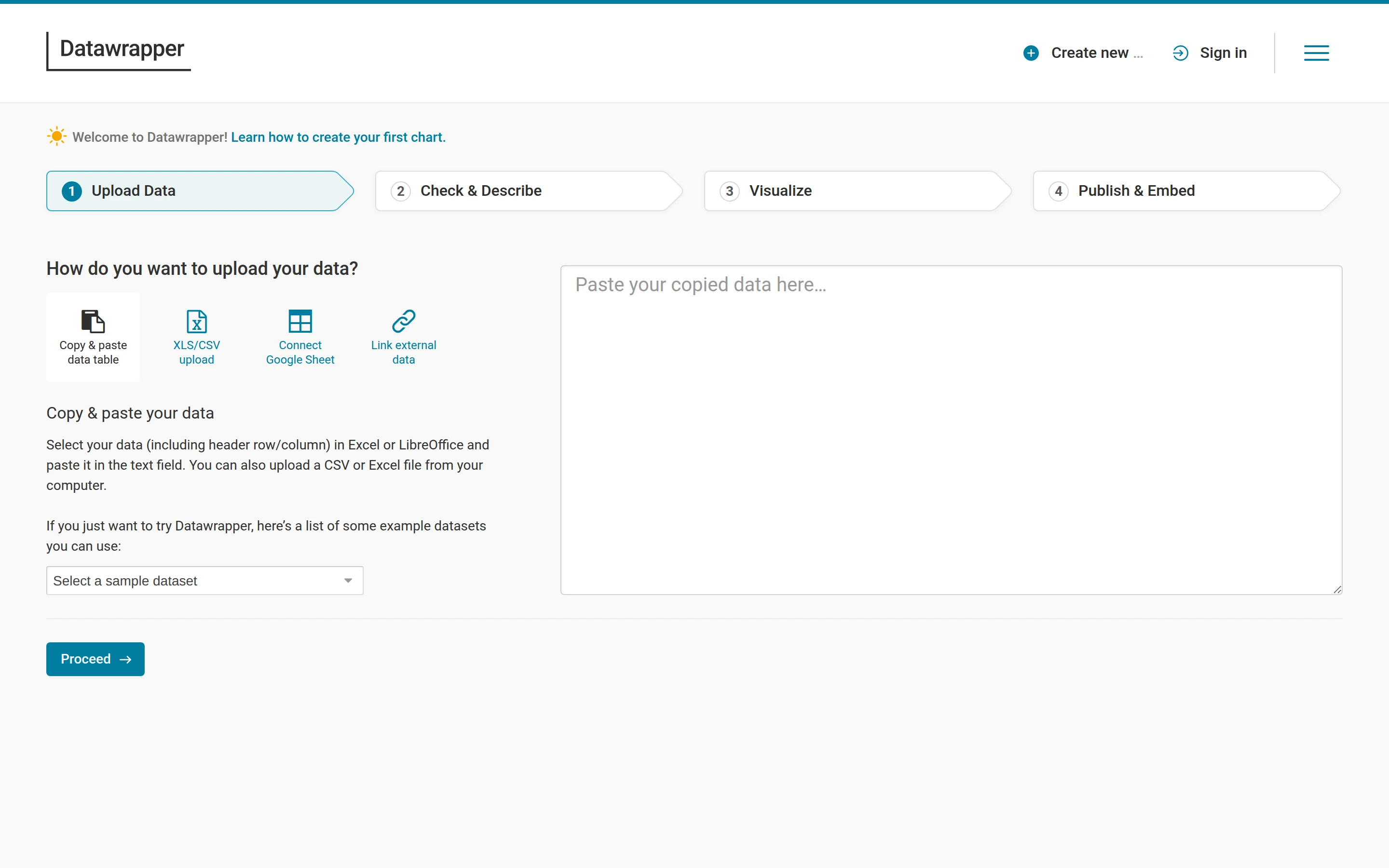
Viewport capture · opening screen Assembled in your browser. No API key or AI request needed. Changing the fields refreshes the preview.
Datawrapper — Upload data
Forms & OnboardingSee it liveapp.datawrapper.de
A four-step progress strip makes chart creation legible while paste, upload and sample-data options share the first step.
Why this pattern works
A four-step progress strip makes chart creation legible while paste, upload and sample-data options share the first step.
Design notes
- Surface
- Datawrapper — Upload data
- Navigation
- Progress navigation above a two-column data-source and input workspace.
- Layout
- Progress navigation above a two-column data-source and input workspace.
- Density
- A large main workspace is supported by compact task controls.
- Color
- White, pale gray and teal
- Type
- Small utility labels keep the visual workspace dominant.
- Pattern
- A four-step progress strip makes chart creation legible while paste, upload and sample-data options share the first step.
- States
- Initial public workspace; no account data or subsequent workflow is shown.
- Don't
- Use the layout as a reference with your own content and identity. The still does not verify interactive behavior.
Make it your own
Turn this reference into a useful brief for your project. Copy it into the AI tool you already use.