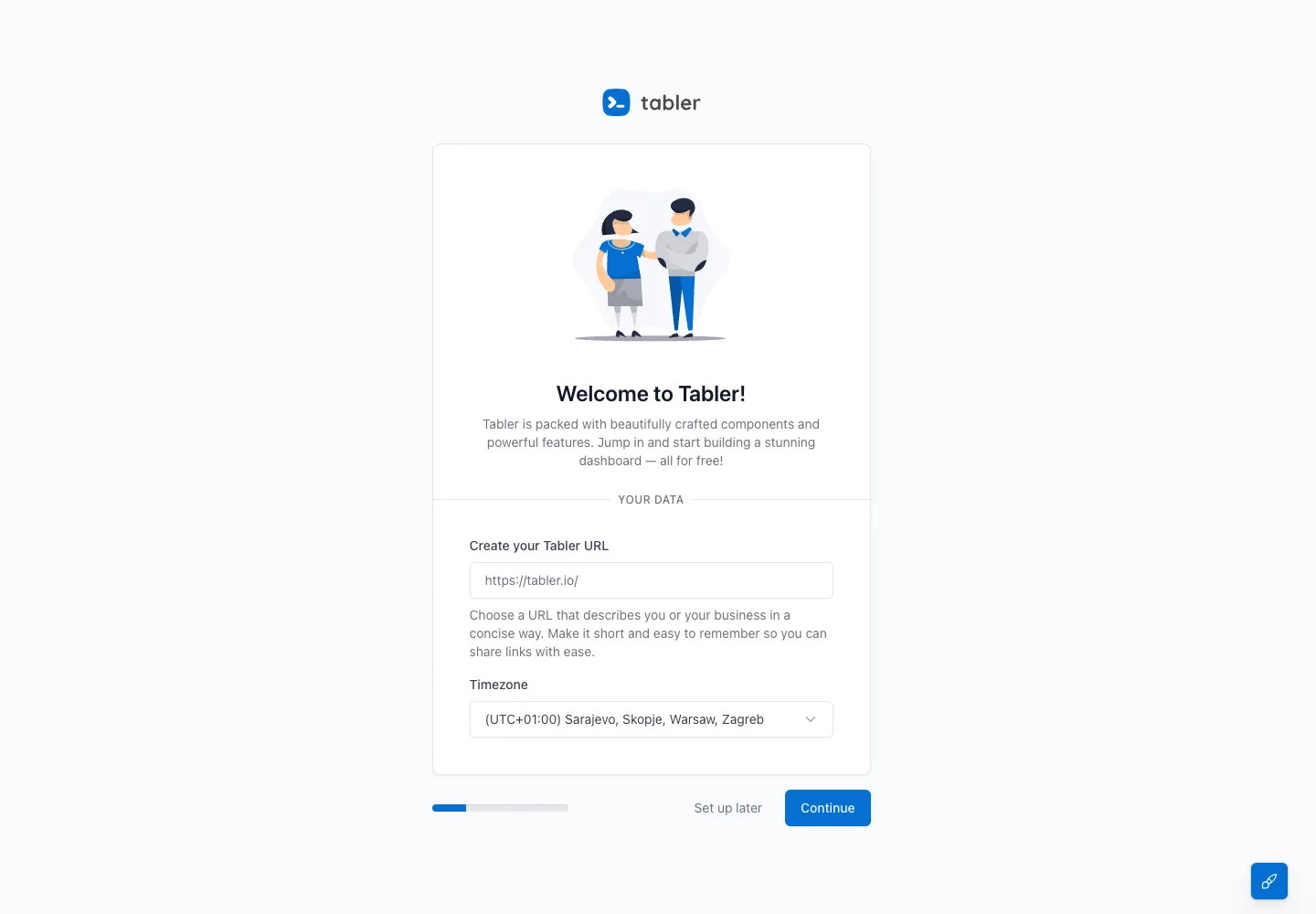
Ask for a small set of useful defaults while making progress and the option to defer setup visible.
Design notes
Surface
Setup wizard
Navigation
Skip and continue actions are adjacent to a short progress indicator.
Layout
An illustrated intro and small form share a centered panel; progress and continuation controls sit below.
Density
A constrained form column leaves room between groups while keeping labels and controls together.
Color
White panel on pale gray, blue continuation action, and a small introductory illustration.
Type
A welcoming heading sits above brief helper text and compact field labels.
Pattern
Ask for a small set of useful defaults while making progress and the option to defer setup visible.
States
Initial public setup step with workspace URL and timezone controls.
Don't
Adapt the interaction pattern to your own product. Do not copy brand assets, sample identities, proprietary text, or assume unseen states. Specify keyboard behavior, loading, empty, error, and narrow-screen layouts for your implementation.
Make it your own
Turn this reference into a useful brief for your project. Copy it into the AI tool you already use.
Add constraintsPreview & edit promptAssembled in your browser. No API key or AI request needed. Changing the fields refreshes the preview.