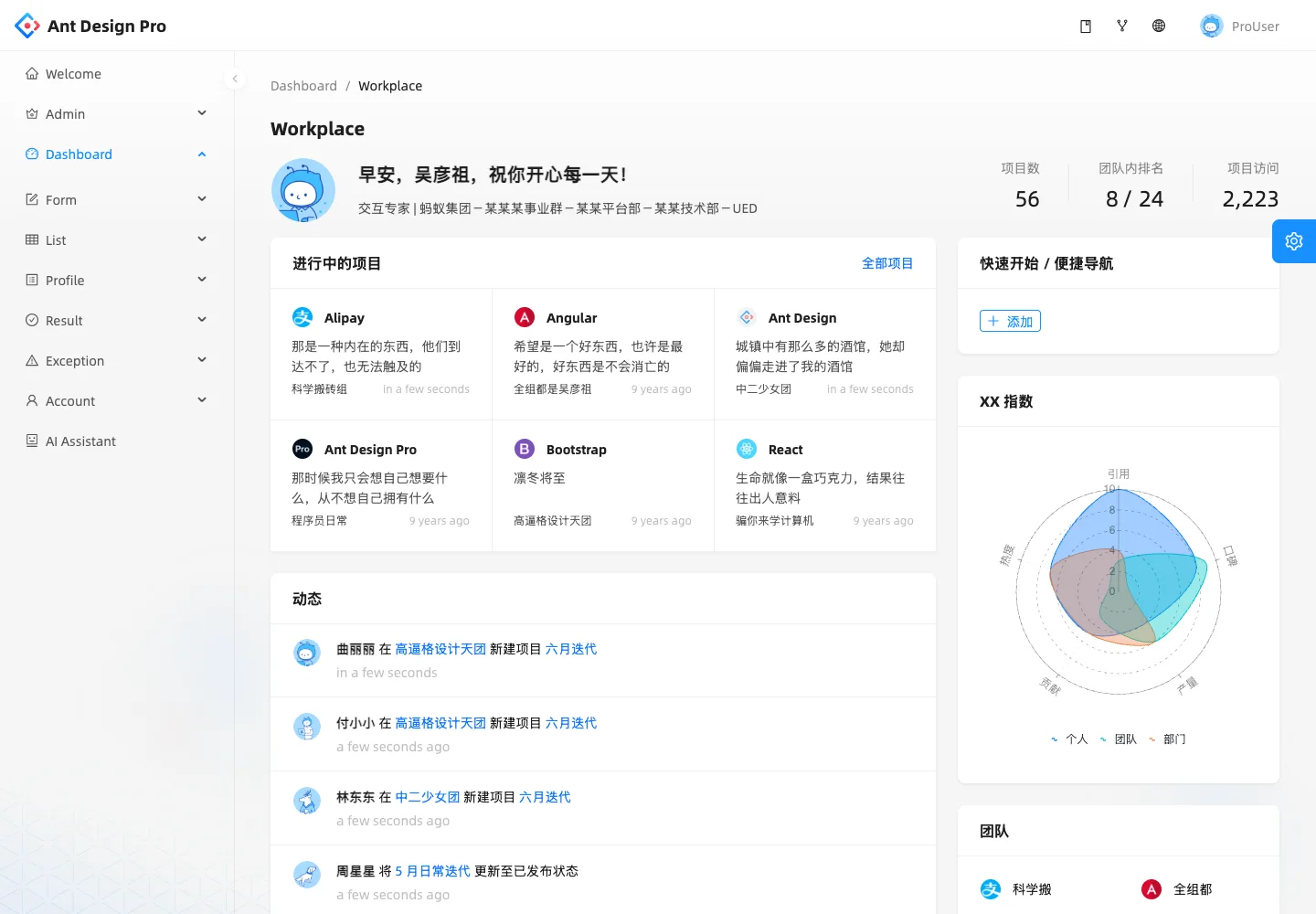
Use a home screen to resume work and orient the user before they open a project.
Design notes
Surface
Team workplace
Navigation
The main sidebar distinguishes the workplace from analysis and other product areas.
Layout
A welcome summary sits above project tiles and activity, with quick links and team information on the right.
Density
Primary content has the most space; repeated rows and secondary navigation use a compact, consistent rhythm.
Color
White content panels and small colorful project marks on a pale gray background.
Type
Give projects short summaries and keep activity entries small enough to scan as a sequence.
Pattern
Use a home screen to resume work and orient the user before they open a project.
States
Public Ant Design Pro demo with fictional team activity and mixed Chinese and English labels.
Don't
Adapt the interaction pattern to your own product. Do not copy brand assets, sample identities, proprietary text, or assume unseen states. Specify keyboard behavior, loading, empty, error, and narrow-screen layouts for your implementation.
Make it your own
Turn this reference into a useful brief for your project. Copy it into the AI tool you already use.
Add constraintsPreview & edit promptAssembled in your browser. No API key or AI request needed. Changing the fields refreshes the preview.