Separate choosing a tool from adjusting its output and keep the preview central.
Design notes
Surface
Shape generator
Navigation
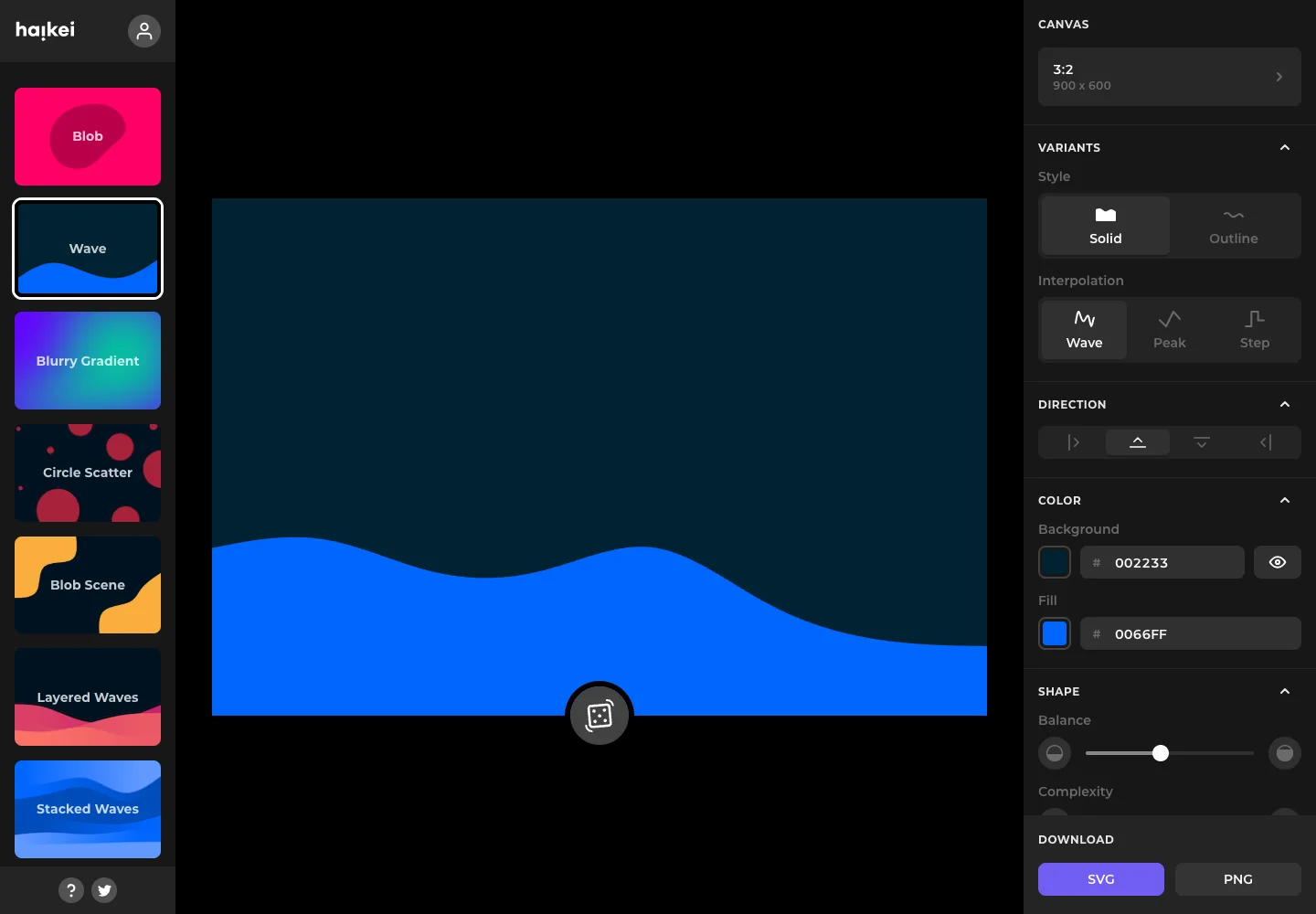
Generator families stay on the left while parameters stay with the active canvas on the right.
Layout
A colorful preset rail sits left of a large canvas, with shape and export options in a right sidebar.
Density
The working preview takes most of the space, with compact controls grouped around it.
Color
Black chrome, vivid preset thumbnails, and a saturated blue wave preview.
Type
Use compact settings rows beside a generous artwork preview.
Pattern
Separate choosing a tool from adjusting its output and keep the preview central.
States
Public wave-generator workspace using its supplied initial artwork; no export was created.
Don't
Adapt the interaction pattern to your own product. Do not copy brand assets, sample identities, proprietary text, or assume unseen states. Specify keyboard behavior, loading, empty, error, and narrow-screen layouts for your implementation.
Make it your own
Turn this reference into a useful brief for your project. Copy it into the AI tool you already use.
Add constraintsPreview & edit promptAssembled in your browser. No API key or AI request needed. Changing the fields refreshes the preview.